

Navigating Chrome Enterprise Release Notes
Hello there,
Some rather good news here: there’s been an uphaul on how the Chrome Enterprise and Education Release Notes are presented, moving from our help center to a dedicated web portal - making it easier to navigate all the updates, especially with the upcoming 2-week cycle, as highlighted here on the community.
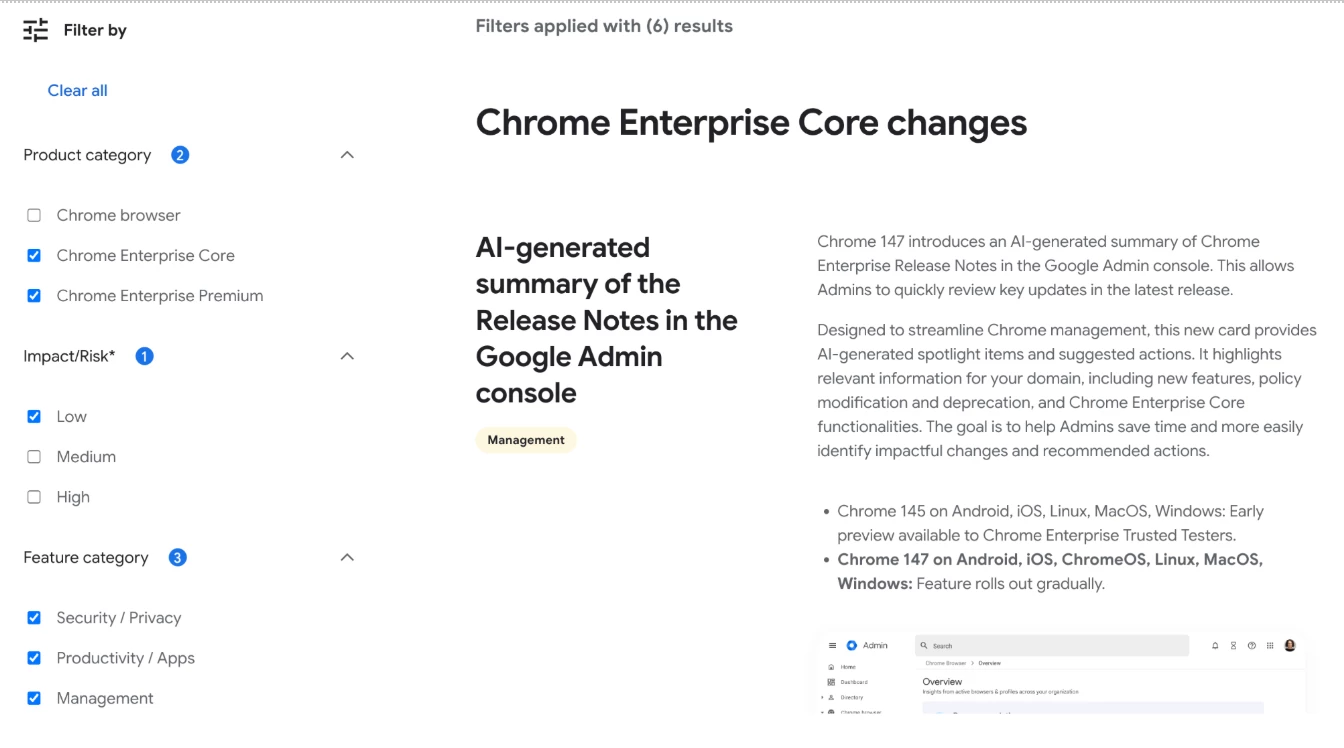
So that you can focus on the info that’s most relevant to you and your organisation, now there are filters for Product categories, Impact/Risk and Feature Categories as well as a search box to quickly look for a specific release or keywords. Not just that but you can also use a handy drop-down menu to check previous release notes whilst applying those filters as well. And to finish it off, there’s the option to quickly view the policies related to each release too. Quite nice, isn’t it?
We thought that’d be worthy to not just share the improvements with you, but also leverage the opportunity to show you around the improvement in more detail. Let’s start from the 🔝- all of these features are located on the side menu of the link shared above.
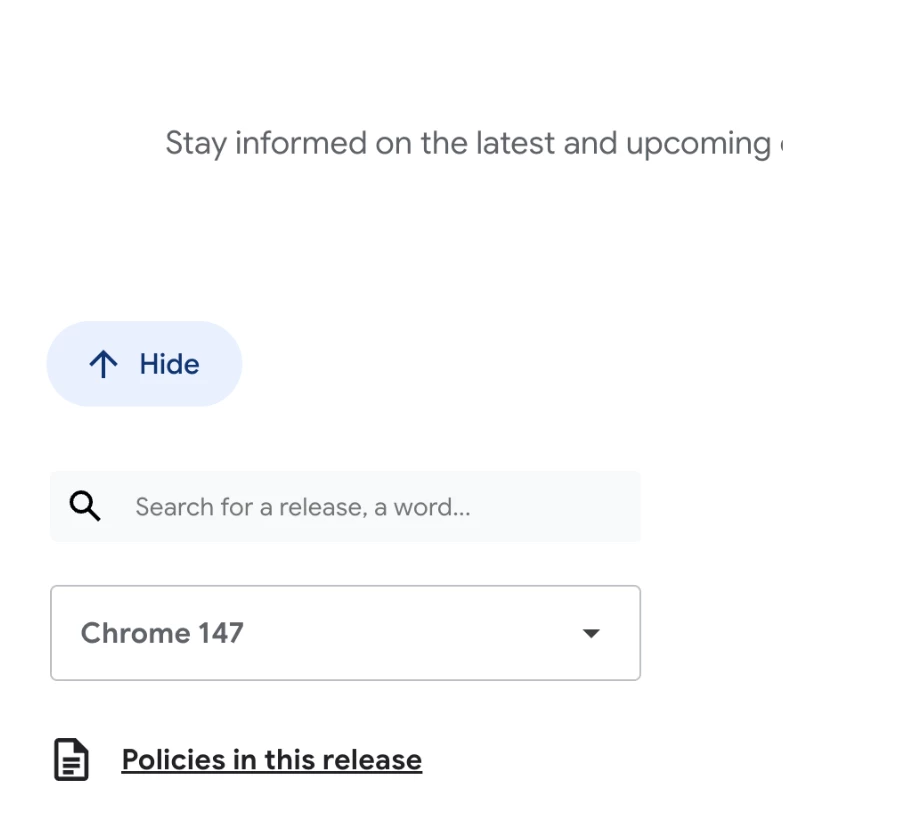
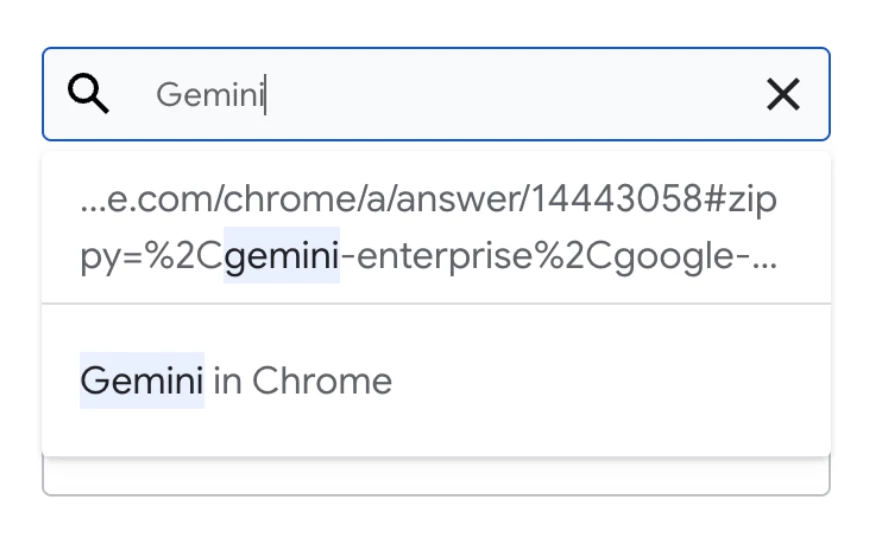
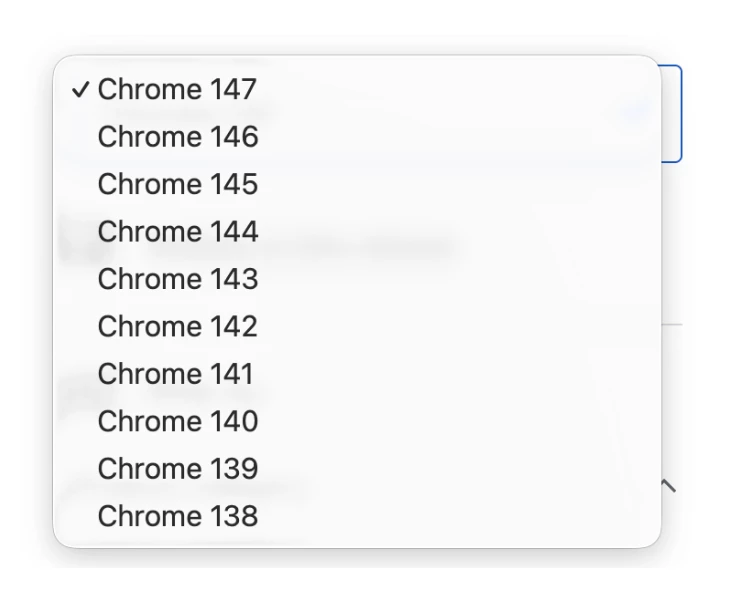
The first section is where you can find the Search bar, Version drop-down menu and the Policies shortcut.
- Search bar
Use it to search for specific keywords, functions and capabilities
- Drop-down Menu
Use it to select the release notes related to a specific Chrome release
- Policies in this release
Click here to show the policy updates related to a specific release. After checking them, you can either click on ‘Clear policies’ to switch back to the release notes view or use the drop-down menu to read about the policies of a different Chrome release.
Next up we’ve got the Filter by menu where you can apply different filters by ticking and unticking the boxes here. Note that it’s possible to select more than one box per category:
Last but not least, there’s a hyperlink at the bottom of the side bar that takes you to the support page for the Previous Release Notes:
Hope you have found the information above useful and be sure to bookmark the new release note portal! For your awareness, the revamped release notes page is in English-only at the moment, but you can check the localized versions in the Help Center.
As usual, if you have any questions, feel free to ask them in the comments below 👇
Last but not least, keep your eyes open 👀 as we will be hosting a webinar series on Release Notes with Google experts here on the community - (you can view past and future Events here by the way), so be sure to check back as you don’t want to miss that!
