Question
Can't configure notifications on my work profile
I hope someone here can help me, since I've been stuck in this issue for over a month now.
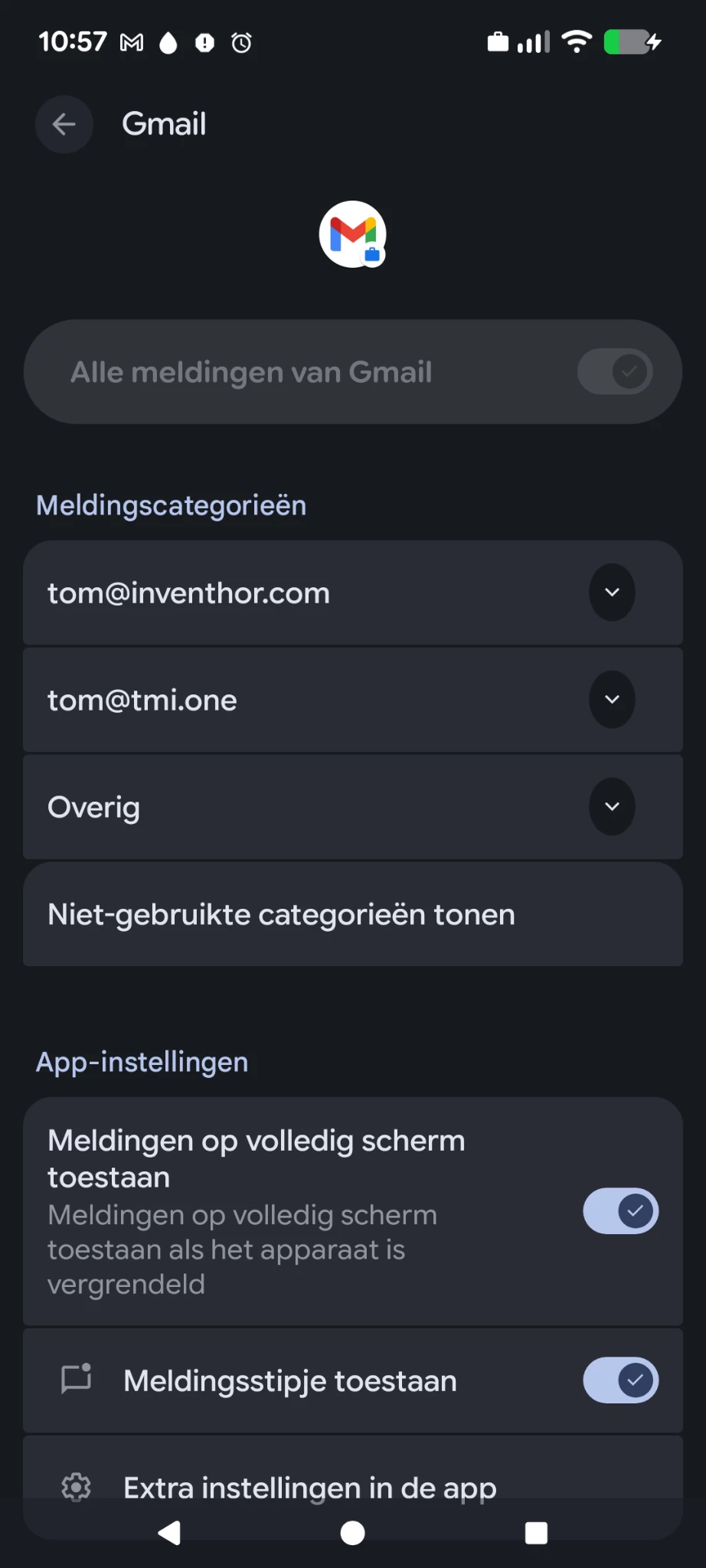
I can not configure notifications on my work profile. I am the admin so should be able to allow this for users. I'll share some screenshots to illustrate the issue.
First, the disabled notification:
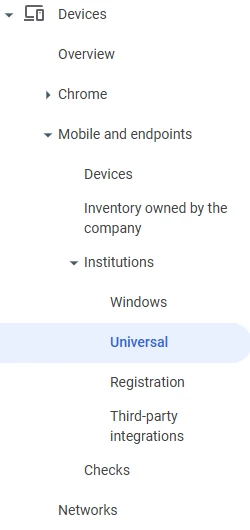
Then, the advice of gemini:
The Solution: Change the Admin Policy
You must log in to your Google Admin Console and change the setting that is blocking this.
- On your computer, log in to your Google Admin Console at admin.google.com.
- In the left-hand menu, navigate to:
- Devices $\rightarrow$ Mobile & endpoints $\rightarrow$ Settings
- Click on Android.
- This page lists all your Android policies. You are looking for the setting that controls app permissions. It is most likely in one of these two sections:
- Primary Target: Apps and data sharing
- Look for a setting like App permissions or App settings.
- The current setting is likely "Block user from modifying" or "Set to... (Enforced)".
- Change this setting to Allow user to configure or Let user choose.
- Secondary Target: Work profile
- Look for a setting like Work profile notifications or Lock screen notifications.
- While this usually just controls lock screen visibility, if it's set to "Hide all notifications," it may interfere. Ensure it is set to Show all notification content or Allow user to configure.
- Primary Target: Apps and data sharing
- Click Save at the top or bottom of the page.
This option is simply not there!