Level 1.5: Cupcake
March 24, 2025
Question

Issue with G Suite Apps Being Marked as Disabled in Play Store

  • March 24, 2025
  • 1 reply
  • 0 views

Hi everyone,


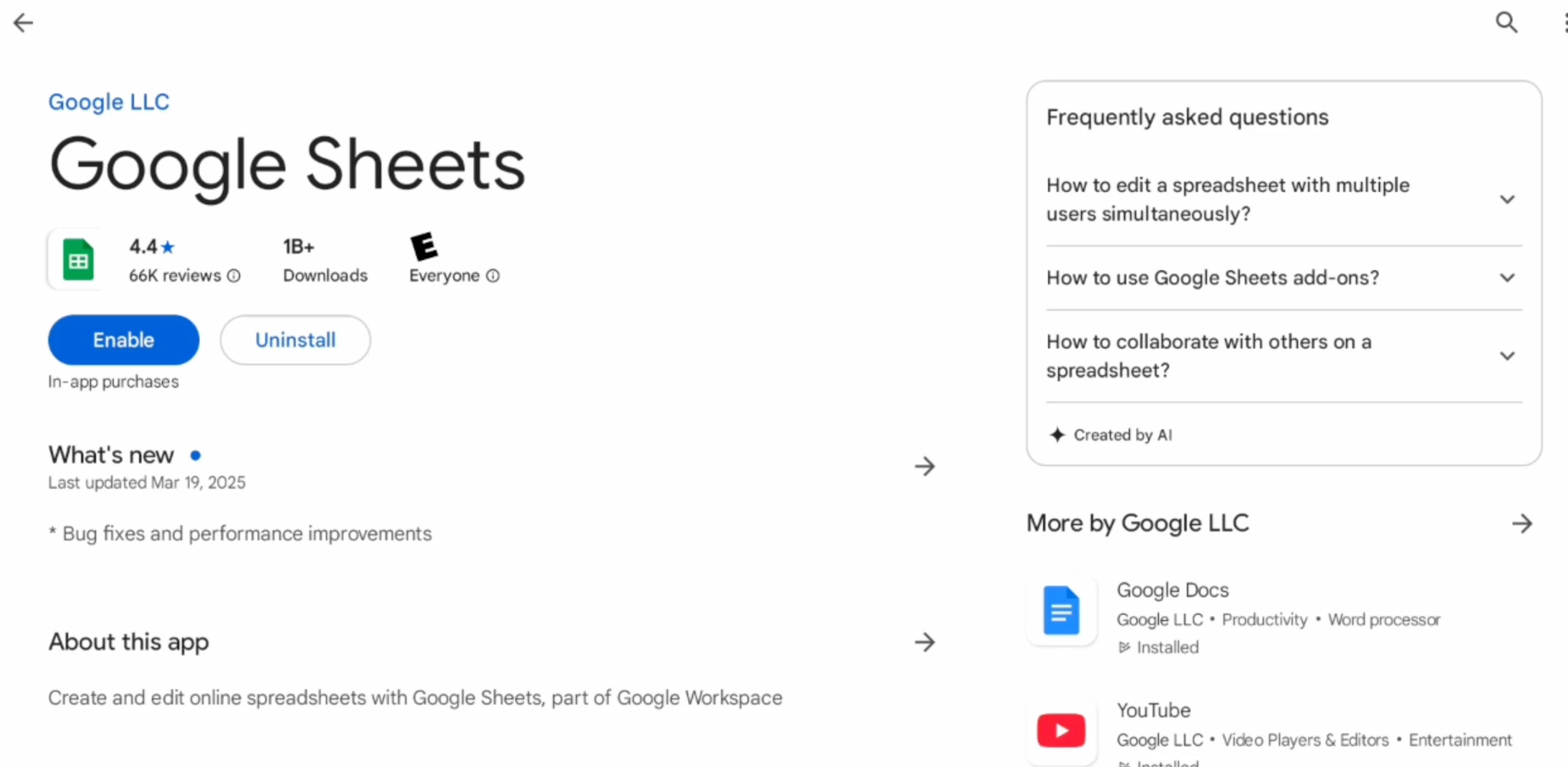
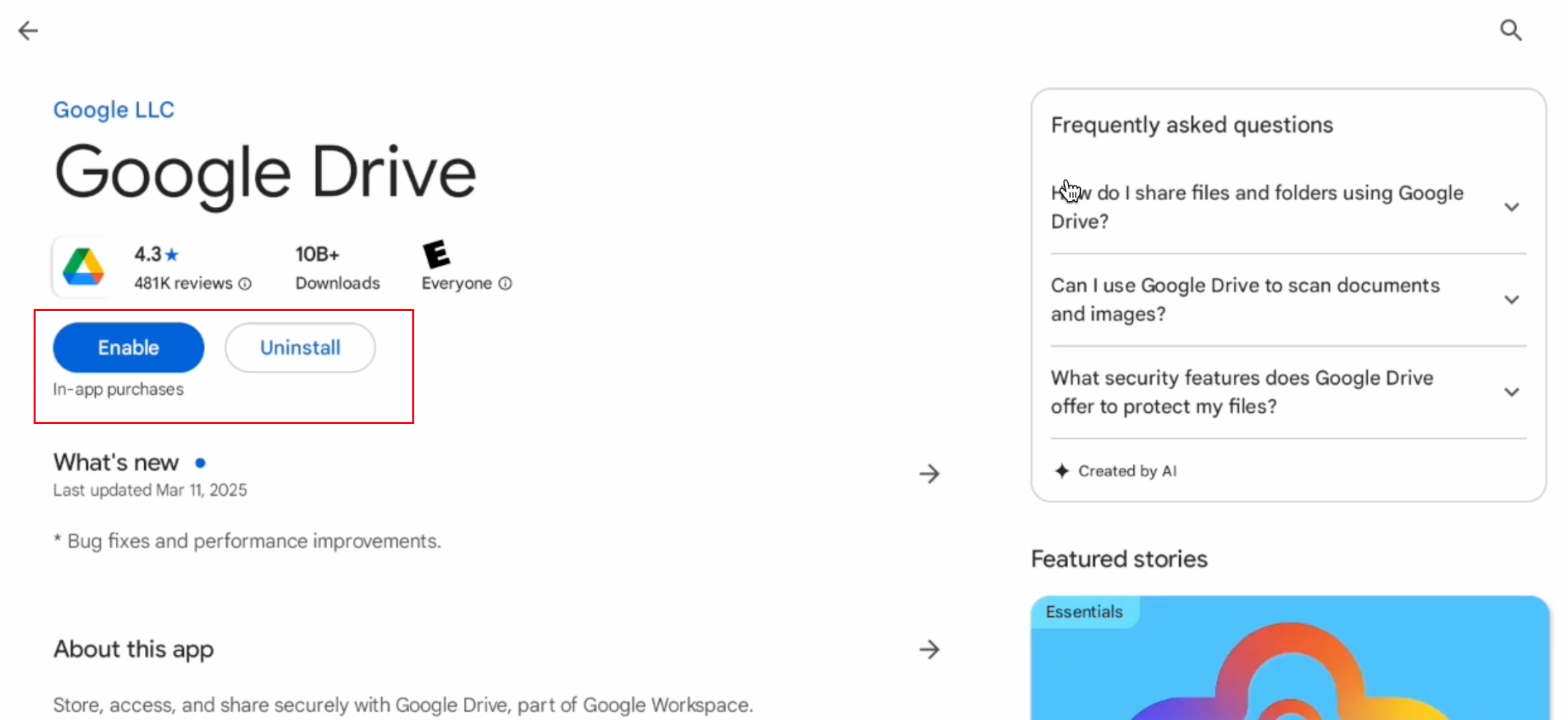
We are facing an issue where G Suite apps like Google Sheets, Google Drive, and Google Docs are installed on our managed devices, but when we check them in the Google Play Store, they appear as disabled. In some cases, the apps are randomly disabled, requiring manual re-enabling.


We have verified:

Google Device Policy settings

Apps are approved and allowed in the managed Play Store


Despite these checks, the issue persists across multiple devices with G Suite apps.


Has anyone else experienced this issue? If so, do you know of any workarounds or if there is an ongoing Google-side issue causing this?


For reference, I have attached a screenshot showing the issue.


Looking forward to insights from the community!


Thanks,

Rupesh

1 reply

Level 1.6: Donut
March 25, 2025

Have you tried explicitly adding these applications to your policy? Or enrolling the device with the enabled system apps feature activated?

Level 1.5: Cupcake
March 26, 2025

Hi @jeremy ,
Yes, we have explicitly approved these apps and updated the device policy.

However, we haven’t performed any activity related to enabling the system apps feature. By the way, how can we verify if the system apps feature is activated?

Level 1.6: Donut
March 26, 2025

This depends on the QR code / token used for enrollment or also available in the DPC extras. 
you cannot know after the device has been enrolled. 

if those apps are added to the policy and are marked as force installed they should not be disabled