Question
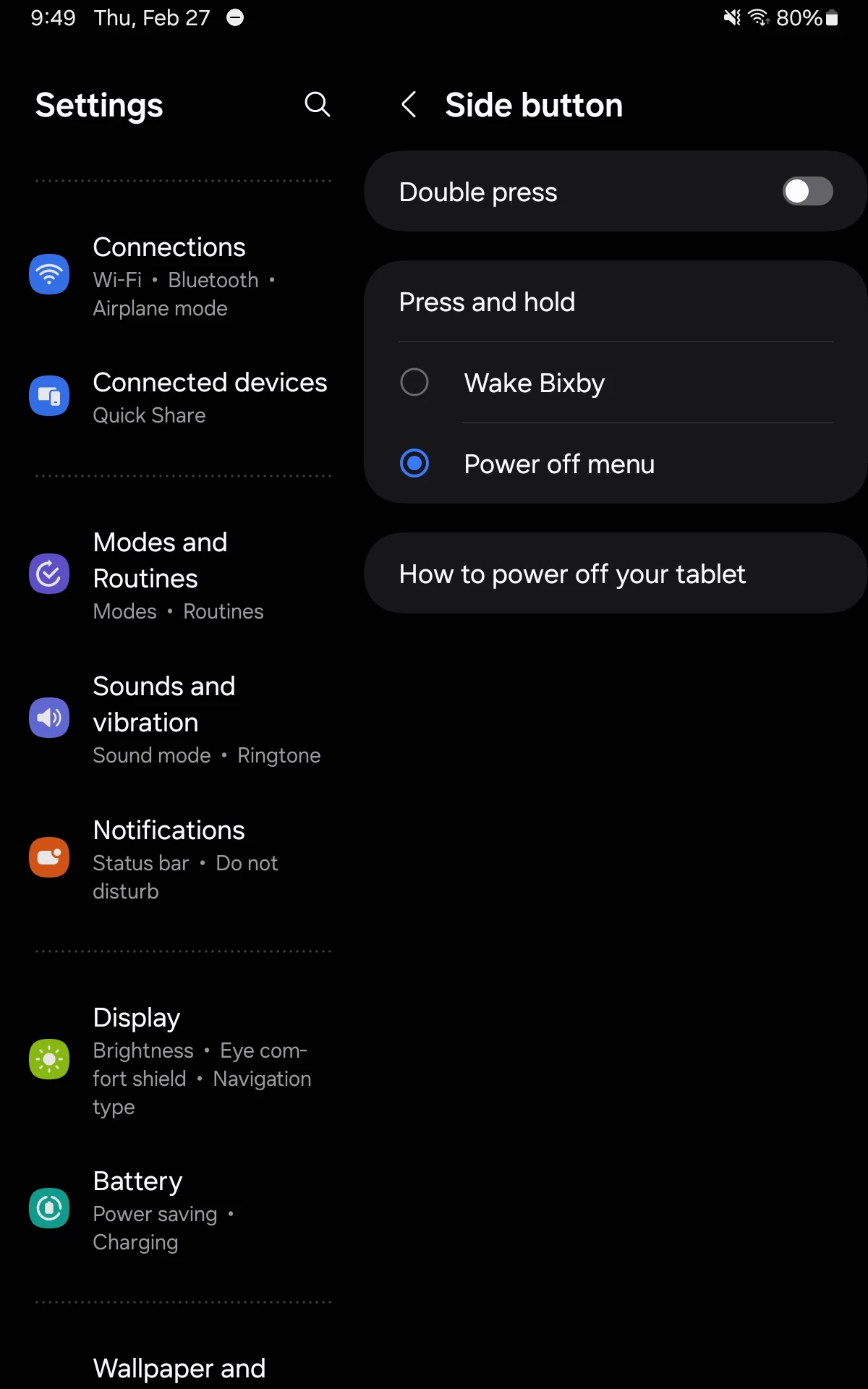
Samsung Tab Active5 Side Button Configuration
Is there any way to change the default configuration for press and hold from "Wake Bixby" to "Power off menu". Trying to run a kiosk application and it's confusing for users to need to hold the side and volume down button to open the power control. Bixby is otherwise disabled so holding the side button currently does nothing in its default configuration. Samsung support has unfortunately been less than helpful, and will only lift a finger if you pay for full Knox EMM.