

Understanding Chrome Release Channels
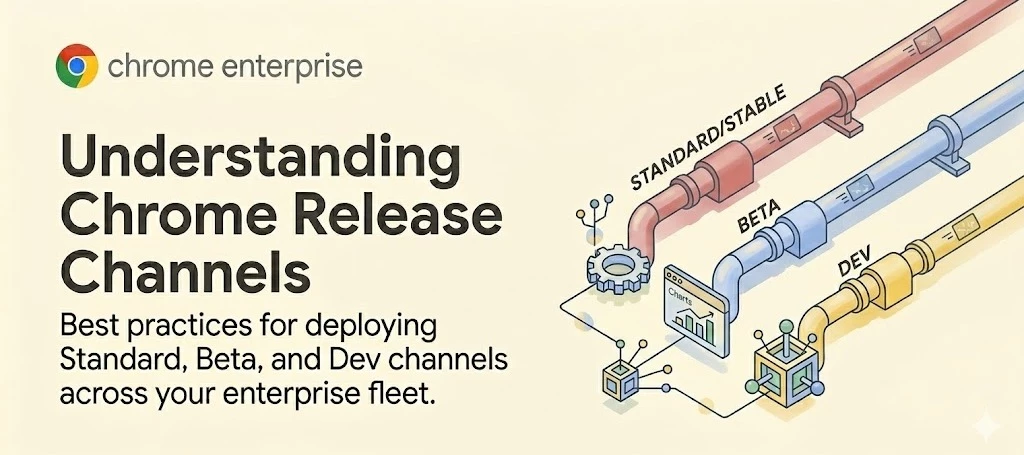
Best practices for deploying Standard, Beta, and Dev channels across your enterprise fleet.
Effective endpoint management requires balancing security, stability and access to the latest features. Google Chrome offers multiple release channels, allowing IT administrators to test upcoming updates before they reach the broader organization.
Understanding these channels — and properly distributing them across your fleet — is critical for preventing downtime and ensuring compatibility with your internal apps and extensions.
The Core Release Channels
- Stable Channel: This is the fully tested, production-ready version of Chrome. It is updated every 4 weeks (soon moving to a 2-week cycle) with new features and receives frequent security updates.
Recommendation: Deploy the Stable channel to the vast majority (approx. 95%) of your workforce.
- Extended Stable Channel: For environments that require less frequent feature changes, Extended Stable updates every 8 weeks. It still receives critical security fixes every two weeks to maintain a secure posture.
- Beta Channel: Beta provides a preview of what will arrive in the Stable channel roughly 4 weeks later. It is relatively stable and allows you to proactively identify compatibility issues.
Recommendation: Deploy Beta to roughly 5% of your users—ideally IT staff or departmental champions.
- Dev Channel: Updated weekly, the Dev channel represents what developers are actively working on. It allows IT teams to test new APIs and policy changes up to 9-12 weeks in advance.
Recommendation: Restrict deployment to specialized IT testing environments. Expect bugs and instability.
- Canary Channel: The bleeding-edge version of Chrome, updated daily.
Recommendation: Canary is highly unstable and is not recommended for any enterprise deployment or policy testing.
Enterprise Deployment Strategy
A resilient update strategy relies on tiered testing. By maintaining a mixed-channel environment, your IT team will receive ample warning if an upcoming Chrome update conflicts with your internal web apps, extensions, or network configurations.
If an issue is discovered on the Beta or Dev channel, administrators have time to mitigate the conflict or submit feedback before the change hits the Stable channel and impacts general productivity.
On a related topic, please refer to our article on Release Notes for more info.
Official Resources & Documentation
For detailed instructions on managing release channels via the Admin console or Group Policy, review the following documentation:
