
disable AI overviews
We (the schools district I am employed by) want to block AI Mode and AI Overviews for students in our organization to prevent them from using the AI built into the Google Search Bar to cheat since they can just highlight a question “right-click” and click “search google” any question from their online school homework/quiz content, the AI Overview in the resulting tab will then provide them the answer.
We have already implemented all the Enterprise policies related to GenAI and AI Mode and set them to disabled, here is a short list (for reference):
- GenAiDefaultSettings
- AIModeSettings
- DevToolsGenAiSettings
- GenAIInlineImageSettings
- GenAILocalFoundationalModelSettings
- HelpMeWriteSettings
- SearchContentSharingSettings
- SmartTabSharingSettings
- TabCompareSettings
- VoiceTypingSettings
- GoogleSearchSidePanelEnabled
- LensOverlaySettings (depreciated)
- LensRegionSearchEnabled (depreciated)
- DnsOverHttpsMode
- GeminiSettings
Even with all these policies in place to prevent students from accessing any GenAI features built-in to Chrome, they can still use AI Mode and AI Overviews still populate with GenAI based answers to the questions asked, which is quite frustrating since the AIModeSettings policy should disable the AI Mode but doesnt
The only thing (so far) that has actually worked to block AI Mode tab/button is adding the following registry keys :
[HKEY_CURRENT_USER\SOFTWARE\Policies\Google\Chrome\URLBlocklist]
"1"="gemini.google.com"
"2"="bard.google.com"
"3"="aistudio.google.com"
"4"="notebooklm.google.com"
"5"="labs.google"
"6"="www.google.com/search?udm=50”
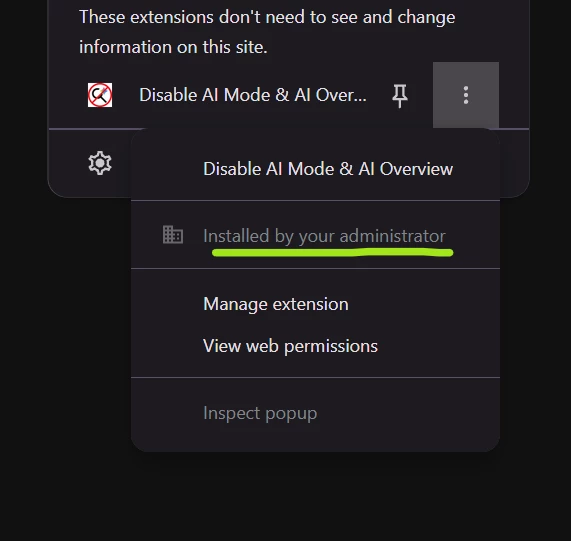
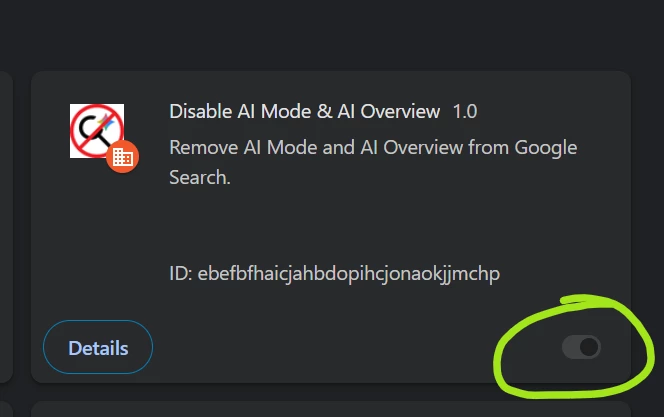
After adding these keys if you attempt to click the AI Mode button on the search results or the AI mode button in the search bar on www.google.com it redirects to a block page, however the AI Overview is still viewable. is there ANY way to block/disable AI Overviews, we’ve tried using extensions but even when they are on the ForceInstallList every extension we tried that was able to delete/remove/hide the AI Overview or AI Mode from a search was also modifiable and the student could just turn off the extension, the only thing ForceInstallList was accomplishing was forcefully installing the extension of choice and making it so it couldn’t be uninstalled… but did nothing from preventing the settings from being modified.
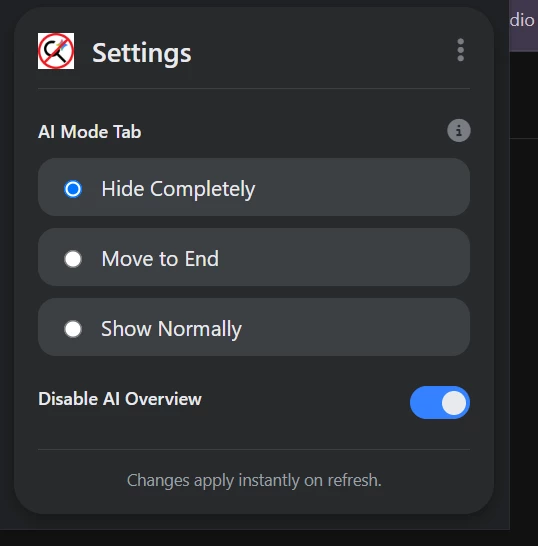
So my primary question is does anyone know a reliable way to actually disable/hide/remove the AI Overviews?
can someone from the actual Google Dev team incorporate an Enterprise/Education configurable setting to actually block/disable the AI Overview and all other AI features all at once?
any help or advice would be appreciated
