A place for questions, discussions, and knowledge-sharing across all things Chrome Enterprise. Hit 'Subscribe' to stay in the loop.
Recently active
Hi Google Workspace Community,I'm trying to set up Google Workspace for my UK-based creative and digital marketing business, Three Tapes.Our website is https://threetapes.co.uk, and we're attempting to create our professional business email address: hello@threetapes.co.uk.Initially, we encountered difficulties verifying ownership of our domain. However, when attempting to complete the registration, Google displayed the following error:"Sorry, we can't complete your sign-up."The message explains that Google's automated anti-spam prevention system sometimes rejects legitimate registrations.I want to clarify that: We are a genuine UK-based business. We own and control the domain threetapes.co.uk. We intend to use Google Workspace for legitimate business communication with our clients. We are happy to provide proof of domain ownership and any necessary business verification. Unfortunately, I haven't been able to find a way to contact Google Workspace support directly because our acco
Hello everyone,My name is Rafał Szymanowicz and I am based in Poland.My background combines finance transformation, SAP S/4HANA, AI solutions, and enterprise technology adoption. Recently, I have been exploring Chrome Enterprise, Android Enterprise, and modern endpoint management as part of my broader interest in AI-enabled workplaces.I look forward to learning from the community, contributing to discussions, and exchanging experiences around enterprise browser management, security, productivity, and digital transformation.Thank you for having me here.(**CM - updated to remove personal information)
We (the schools district I am employed by) want to block AI Mode and AI Overviews for students in our organization to prevent them from using the AI built into the Google Search Bar to cheat since they can just highlight a question “right-click” and click “search google” any question from their online school homework/quiz content, the AI Overview in the resulting tab will then provide them the answer. We have already implemented all the Enterprise policies related to GenAI and AI Mode and set them to disabled, here is a short list (for reference):GenAiDefaultSettings AIModeSettings DevToolsGenAiSettings GenAIInlineImageSettings GenAILocalFoundationalModelSettings HelpMeWriteSettings SearchContentSharingSettings SmartTabSharingSettings TabCompareSettings VoiceTypingSettings GoogleSearchSidePanelEnabled LensOverlaySettings (depreciated) LensRegionSearchEnabled (depreciated) DnsOverHttpsMode GeminiSettingsEven with all these policies in place to prevent students from accessing any GenAI f
Our students have discovered that if you use the split tab feature in Google Chrome, it hides some tabs from teachers monitoring via classroom management tools. There is no way to configure the split tab view feature in the Admin Console. School districts need the ability to control or disable the new split tab feature. Every time Google makes a new feature available to Workspace users, they need to make it configurable by the administrator.
Ever since ManagedAccountsSigninRestriction was deprecated, the new replacement settings ProfileSeparationSettings and ProfileSeparationDataMigrationSettings do not seem to have the intended effect I require.I previously had it setup so that a user with data in chrome(logged in a unmanaged profile or not) would get the option of migrating data from their existing profile into the new managed profile when signing in. It appears that does not happen.When a user goes to add a profile, they sign in using their managed profile and it simply signs them in with no offer of data migration. This was working with the now deprecated policy with the below setting Force separate profile and forbid secondary managed accounts—The managed account is the primary account. The profile has no secondary accounts. When the profile is created, importing existing browsing data is allowed. The replacement policies do not appear to work. They are applied at the browser/machine level before a user is logged in s
Hi everyone, 👋 Can you believe we're already in September? As we gear up for the final quarter of 2026, we have a packed schedule of events and valuable resources coming your way across the ChromeOS + Cameyo and Chrome Enterprise communities.Here is a quick look at what's on the horizon for the rest of the year:🗓️ Events AI-powered workflows from OS to Browser - Part 2 The next installment of our AI-related webinar series goes deeper on how Gemini, Antigravity and Google APIs can impact your workflow productivity. Be sure to register to stay ahead of the curve! We’ll cover advanced use cases across Chrome and ChromeOS - with a special focus on leveraging Gemini, Antigravity, and Google APIs to optimize your Admin Console. ChromeOS Administrator Exam Series Looking to get certified before the year ends? Our incredibly popular preparation series for the ChromeOS Administrator Exam is continuing straight through the fall! Make sure to RSVP and secure your spot for the upcoming month
Hello, My name is Stefanos Zisopoulos. I just wanted you to share your experiences with me about google business profiles etc. Ive made Google business profiles for other companies as Im an owner of a company helping other businesses grow.I just wanted to ask if I can get a certificate from Google or anything so I can show to my customers :D. I just hope any of you have any experience in this as Im a new guy here and Im trying to learn .Thank you all!
Downloads folder is redirected to serverdefault save location is set correctlyusers has full rights on folderchanging setting to not prompt for save has no impact
Hello everyone , is there any bottlenecks with chrome I should work on? Would love feedback before i start building.
Hi everyone,Any F1 fans around?Growing up in Brazil during the ‘90s meant that some of my core memories will forever be associated with McLaren - thanks to Ayrton Senna. To me, Senna’s car will forever be the iconic MP4. It also helps that my dad is a professional motorsport photographer and managed to photograph his fellow countryman from kart to F1. So many childhood Sundays were spent in front of the telly, either sitting next to my dad or imagining where he would be positioning himself in the racetrack in order to get the perfect shot.McLaren has always been at the forefront of motorsport technology and, as we recently took our "There’s No Place Like Chrome" roadshow straight to McLaren Racing HQ, I thought it’d be nice to highlight it here in the community as well. Our goal there was to gather senior decision-makers in one room to really unpack how Chrome Enterprise is securing the future of work in this new age of AI. Between getting behind the wheel of their racing simulators a
Hello,I am trying to configure managed client certificate support for Chrome on iOS using Chrome Enterprise Core.My environment is: Chrome Enterprise Core is enabled Chrome for iOS version 151.0 “Apply supported user settings to Chrome on iOS” is enabled The user is signed in to Chrome with a managed Google Workspace account I am checking: Devices → Chrome → Settings → User & browser settings According to the Chrome Enterprise policy documentation, ProvisionManagedClientCertificateForUser supports Chrome on iOS and iPadOS starting with version 147.The Chrome Enterprise release notes also state that administrators should configure the following policies: ProvisionManagedClientCertificateForUser ProvisionManagedClientCertificateForBrowser AutoSelectCertificateForUrls However, ProvisionManagedClientCertificateForUser and ProvisionManagedClientCertificateForBrowser do not appear in the Google Admin console. I searched using both the English policy names and the localized po
Allow my device to install other apps and uninstall
Good day,We’ve got an odd issue I'm hoping someone can assist us with. Issue description:Unable to download a file from a specific part of a site. When attempting to do so a brief loading symbol appears before nothing happens. Download’s from other areas work as expected. Tech stack:EMM: SOTI MobiControlDevice Type: Mix of Samsung devices tested running between android 14 and 16.Managed config in use: Yes, specifically the “Allow access to a list of URLs “ and “Block access to a list of URLs” with Block access set too: ["*"]. (i can’t show the contents of allow access for privacy reasons but its working as expected other than this issue described here)Chrome app version: 147.0.7727.101 Note: This was not an issue in version 134.0.6998.135 of the app which we reproduced and verified. Investigated so far:Removing the whitelist/allow access in managed config results in the download working as expected. Its quite clear therefore that the allow access list is playing a major role here. Ens
Hi all,I'm giving you a brainteaser about the tablets we manage.The pentest conducted by our red team required us to disable the translation features in Google Chrome.Currently, when the TranslateEnabled policy is set to false, Chrome for Android correctly removes "Translate" from the overflow menu (⋮) and the long-press context menu. However, the Adaptive Toolbar Shortcut (the dynamic button next to the Omnibox) remains active or selectable, allowing users to bypass the restriction.Google Chome Android with Translation button recommandationLogically, if the Toolbar Shortcut was previously set to "Translate" (either manually or via "Based on your usage") before the policy was applied, the button must be hidden or replaced by the default shortcut once the policy is active. Or other behaviour such as should trigger a "Feature disabled by your administrator" message or simply perform no action.Unfortunately, there is no policy for managing the toolbar shortcut. Do you have any idea how to
My email is not working I lkhow my account name and my password and code backup how can I resolve this problem????
So I have been going round and round in circles trying to understand how the Helper App works and triggers for End Point Verification and official documentation aswell as Gemini seem to say that in order for the Helper App to trigger a prompt for an end user to install it, you first need a rule in place that requires the visibility of signals only the helper app can see. I have been trying AV requirements in rules etc but nothing seems to trigger the Helper installation. For context, this is required for BYOD extensions and so deploying the app is not possible.
As a rsult of the upcoming changes to POP3 compatibility, I’ve been trying to adjust my business email setup. Currently, I have a custom domain from NameCheap which gives me 3 email addresses on one domain for a small amount each year ($40 ish). I then link these domains up to GMail, and mostly manage them and respond to messages through GMail as it’s a much better interface than the native NameCheap Private Email platform. As far as I can tell, the most straightforward way to fully integrate into GMail is to just link the domain and create 3 email addresses, which will cost me around £20/month EACH (so a big markup for me), but I’m somehow justifying that it would be worth it for it all to go through Google and not have to worry about changing systems again if the compatibility changes again for whatever other solution I might find. I’ve got until 12th July before my NameCheap domain renews for another year, so I’ve been trying to make this switch on GMail. I’ve taken family members o
Hi Chrome Community,I am facing a technical issue where a specific website (https://cloudstream.pk) is failing to open or load correctly on the Google Chrome browser. The site either encounters a continuous loading loop, or the layout breaks completely upon opening, whereas it seems to work fine on alternative browsers. I have already tried clearing the Chrome browser cache and cookies, and also checked in Incognito mode, but the issue persists. Could this be related to Chrome's recent security updates regarding SSL/HTTPS enforcement or JavaScript handling? Please suggest what browser settings or site configurations I should look into to resolve this compatibility issue on Chrome.Thank you!
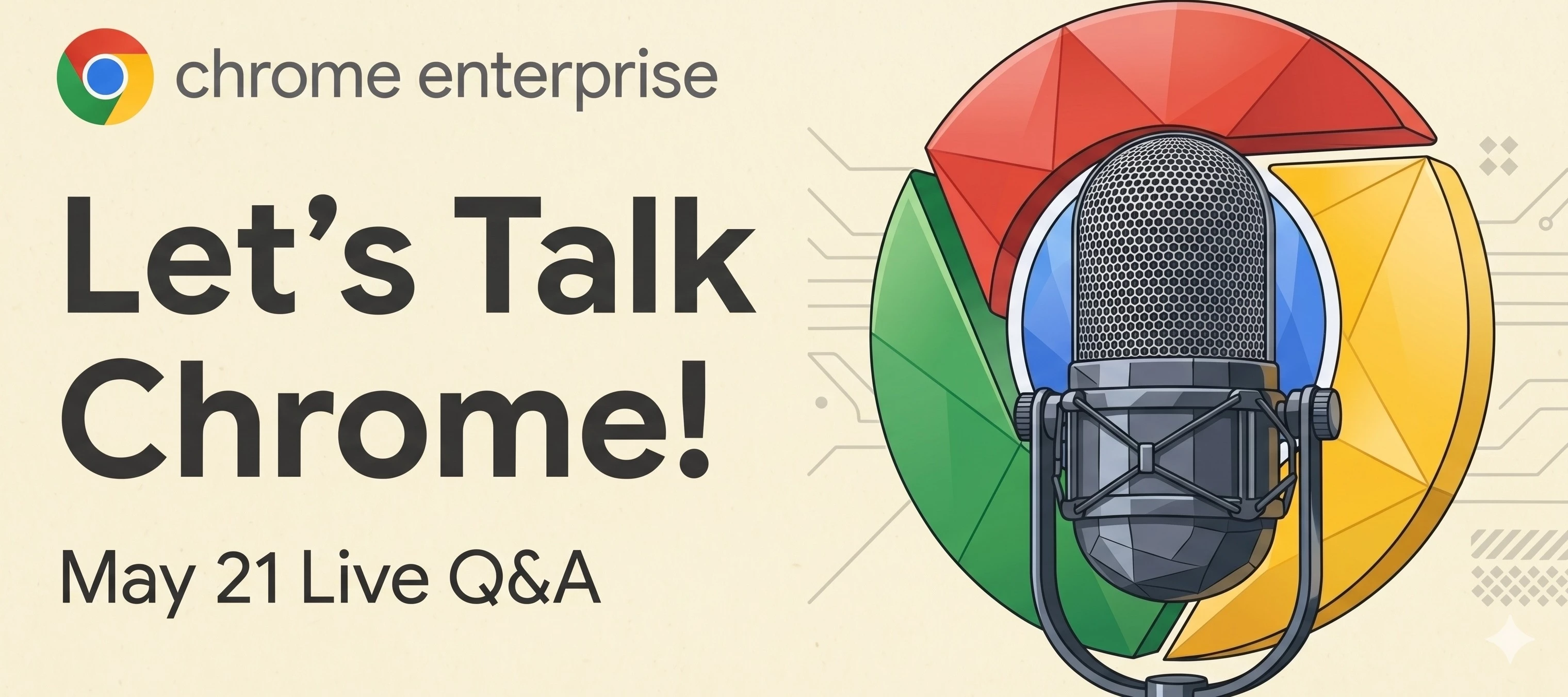
As we gear up for our brand new webinar series on Thursday, May 21st, we wanted to create a dedicated space for you to connect directly with our Chrome experts.If you've joined our webinars before, you might remember that we traditionally post our Q&A sessions retrospectively (like the February Recap).But this time, we’re doing things differently!Instead of waiting until after the event, we are leveraging the power of the community to host a Live Q&A right here in this thread. This new approach brings several awesome advantages for you, members of our community: Real-Time Answers: Drop your questions in the comments below during the live session and our experts will answer them on the spot. Always Open: The conversation doesn't stop when the webinar ends. You can continue to ask questions and discuss updates long after the session is over. Inclusive for Everyone: Can't make the live event? No problem! You can drop your queries in this thread right now and read the answers whene
Hi everyone, 👋As the browser increasingly becomes the primary workspace for modern organizations, we wanted to get a clearer, data-driven picture of how IT and security leaders are adapting their strategies. To do this, we partnered with Omdia to co-sponsor a comprehensive survey exploring the current landscape of browser management, application delivery and security trends.The results gave us some fascinating insights into where budgets are shifting, how deployment strategies are evolving, and the double-edged sword of AI in the enterprise.Here are a few of the most striking takeaways from the research:🚨 The Browser is a Top Target (and Priority): Browser security is no longer an afterthought—it is now a top-five priority for 88% of organizations. This shift is largely driven by the reality of the modern threat landscape, with respondents noting that browser-based attacks now account for up to 37% of their total security incidents. 💰 Budgets are Increasing, but Integration is key
Hello everyone! I’m looking to see if there is someone else who manage to deploy the data masking feature successful since is something quite new. I want to apply a DLP rule that masks sensitive information, but I need it to be selective depending on the user's role/level.The main goal is to have the word REDACTED inside a Sheet/Docs file, and if the user who is accessing is not part of an exclusion group previously created the email field should appear REDACTED. Im able to create the rule and make some test, but i was not able to manage the data masking work inside the Docs / Sheets file. Is this not supported ?
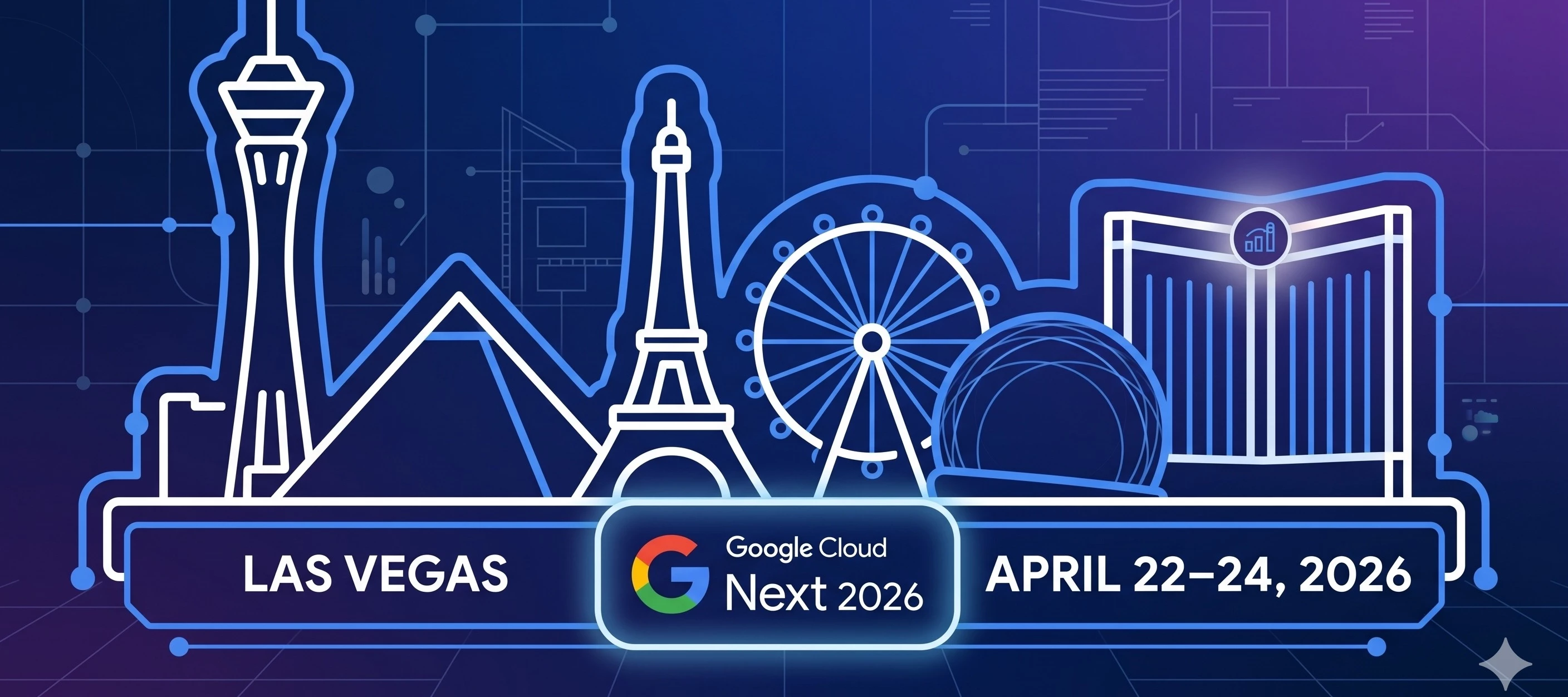
Your central hub for event announcements, networking and live Q&A Hello everyone! This week, the tech world’s eyes are on Las Vegas for Google Cloud Next. Whether you're an IT admin managing a global fleet, an SMB owner looking for operational efficiency, or a security professional refining your Zero Trust architecture, this event always brings game-changing announcements for our ecosystem.We’ve created this thread to serve as our community’s centerpiece for the week. We will be actively updating this original post with all the major Chrome Enterprise news as it breaks, so be sure to check it back throughout the week!👋 To Our Current Members: Who's attending?Are you heading to Vegas, or tuning in to the digital broadcast? Let us know in the comments! Share which sessions you're most excited about or drop a line to organize a quick meetup with other community members on the showroom floor.🚀 To Our New Members: Welcome!If you're discovering this community for the first time during
Hey Chrome Enterprise Community,We're excited to shine a spotlight on the Professional Chrome Enterprise Administrator Certification! What is the Professional Chrome Enterprise Administrator Certification?This certification validates an IT professional's ability to configure, deploy, maintain, troubleshoot, secure, and manage Chrome browsers with Chrome Enterprise core and Chrome Enterprise Premium. A Huge Shout-Out to Our Certified Members!A massive congratulations to all our community members who have already earned this impressive credential! We are incredibly grateful to have you as part of our community. Your expertise significantly enriches our discussions and provides invaluable insights.For those of you who've earned this, you'll soon see a special badge showcased on your community profile! This badge will instantly highlight your verified expertise, lending even more credibility to your questions and responses. How Can You Get Certified Too?Ready to join the ranks of cert
Explore how recent browser hardening capabilities protect your workforce in the AI era The enterprise risk landscape is evolving faster than ever. Between the rise of AI-generated threats, the normalization of BYOD (Bring Your Own Device) as well as heavy reliance on contractor hardware, securing corporate data outside of the traditional perimeter is a top priority for many companies.To support this fast-changing landscape, Chrome Enterprise continues to harden the core browser environment.Here is a look at five recent capabilities and enhancements designed to protect your organization's data against modern threats. 1. Stopping Session Hijacking and Cookie TheftSession hijacking is a critical threat where attackers steal active session cookies to bypass authentication. To neutralize this, Chrome introduced Device Bound Session Credentials (DBSC). By cryptographically binding session cookies to a specific device, those cookies become useless if extracted and moved to an attacker's machi
Hello,We have been using a device policy enforcement which leverage Endpoint Verification Chrome Extension, which limits users access to protected apps on Desktop browsers only.Some users are starting to use larger Android devices for their day-to-day (BYOD, managed by Google MDM with Android Work Profile), and sometimes clicking on links forces opening the browser instead of the native apps, which prevents users from being able to do the work.Would using Managed Chrome browser enforcement work here? How would that work with BYOD devices? What would CEL be? How does enrolling Chrome browser work for BYOD Android devices? https://support.google.com/chrome/a/answer/12120610?hl=enhttps://knowledge.workspace.google.com/admin/security/use-case-managed-chrome-browser-enforcementhttps://knowledge.workspace.google.com/admin/security/context-aware-access-examples-for-advanced-modehttps://docs.cloud.google.com/access-context-manager/docs/custom-access-level-spec
Already have an account? Login
Enter your E-mail address. We'll send you an e-mail with instructions to reset your password.