

[Guide] How to stay notified of latest community content
The Community is a great place for IT admins and business professionals to connect, ask questions, and learn from one another.
To make sure you don't miss out on important discussions or announcements, you can customize your notification settings to stay up-to-date.
How to get tailored notifications
To get notifications for new posts, navigate to the community and category/section you're interested in. Use the top-level navigation to choose your community - Android Enterprise, ChromeOS or Chrome Enterprise - and the drop-down menus to select the right category/section.
On the category/section page you will see a ‘Subscribe’ button.
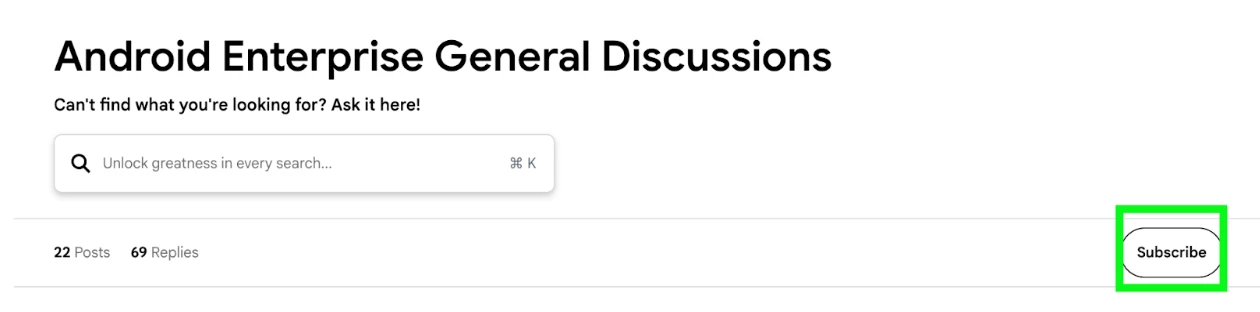
This focused approach helps you stay informed on topics like troubleshooting, best practices, or specific product updates without being overwhelmed by notifications from the entire community.
Keep track of your subscriptions
To stay on top of which sections you follow, you can review your subscriptions.
Head to your Community account settings by selecting your avatar and use the drop-down menu to choose ‘Subscriptions’.
Here you will see an overview of discussions and posts based on your subscription preferences. You can select those you want to unsubscribe from.
Got any questions? Please do let us know.
