[Guide] Select a ‘Best Answer’: Acknowledge helpful responses

Our Best Answer feature helps other community members quickly identify the answer that resolved the issue or helped to answer your query. When you accept a solution, topics with the  mark show higher in community search ratings, making it easier for others to benefit from it in the future.
It's also nice for the responder to know their reply helped you, so consider adding a thank you comment as well.
Step 1: Identify the response that best answers the question and click on the "Mark as Best Answer" button located on the right side of that response.

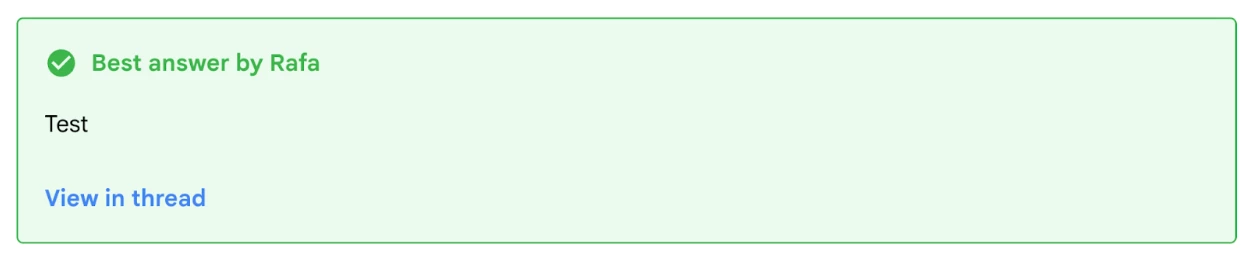
Step 2: Besides the  tag on the selected reply, once a response is marked as the accepted solution, it will also be highlighted in green, indicating that it has been picked as Best Answer.