

Supporting every employee: Discover 9 helpful Android accessibility features
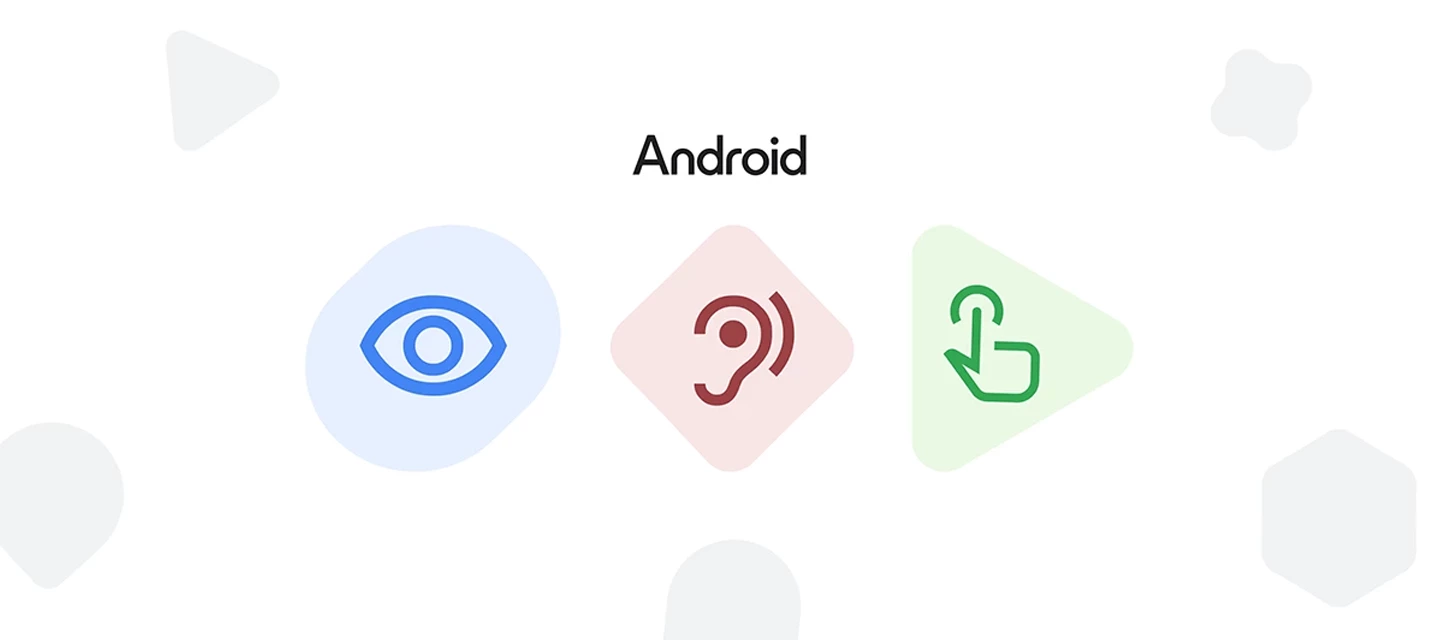
In today's workplace, making work devices accessible is not just good practice, it's essential. Almost half (45%) of employees with disabilities find the accessibility features of their workplace software barely adequate.1 The reality is that inaccessible workplace software creates a significant challenge for many employees, underscoring the gap in providing truly inclusive tools.
Our new Android Enterprise blog post, "9 Android features to support workplace accessibility", explores how Android is addressing the need for better assistive technology with a robust suite of built-in vision, audio, and mobility accessibility tools—designed by and for people with disabilities.
It covers key topics like:
- Supporting a range of visual needs with Android's adaptable vision features: From Braille Display support and the AI-powered Lookout app to TalkBack screen reader, Android offers a range of customizable visual tools.
- Helping teams amplify what matters at work with Android's hearing tools: Android provides audio features that adapt to a range of hearing needs, including Real-time text (RTT), Sound Amplifier, and seamless hearing aid integration (including the new LE audio support).
- Unlocking personalized control for employees with motor limitations: Support employees by providing tools that help them own their workday with personalized control such as, Gesture Navigation, Camera Switches, and Action Blocks.
This isn't just about meeting accessibility standards – it's about helping teams interact with their work devices more effectively and independently. Read the full blog post here to learn more.
Now, let's open up the conversation! We want to hear from you.
- What accessibility challenges are you facing in your organization? Do you use any of the features mentioned?
- How can we, as a community, advocate for better accessibility in the workplace?
- Are there any other features you’d like to see in the future?
Share your thoughts and experiences below!
1 https://www.capterra.com/resources/technology-accessibility/
