  • 69 Product updates

Discover the updated Android Enterprise Solutions Directory

Discover the updated Android Enterprise Solutions Directory

We’ve overhauled the Android Enterprise Solutions Directory to make finding the right enterprise solutions faster, simpler, and more intuitive.  A special thank you to our active community members who provided feedback on the previous Solutions Directory and also helped test the new experience. What’s new? Clean, modern design: A restructured layout focused on easier navigation, search, and quick evaluation of partner offerings. Consolidated partner profiles: Qualifying partner pages now consolidate company details, partner tier statuses, product portfolios,  and validated product badges into a single view. Android XR solutions: The directory now includes dedicated listings for Enterprise Mobility Management (EMM) solutions that support Android XR. Validated feature visibility: EMM for mobile listings now display a complete breakdown of validated Android Enterprise features, giving you a comprehensive view of each partner’s solution set. Chrome Enterprise Recommended badging: Eligible partner profiles now display Chrome Enterprise Recommended badges alongside their Android Enterprise credentials, making it easier to identify solutions validated across both platforms. Ready to Explore? Head over to the Android Enterprise Solutions Directory to experience the new design and find the right fit for your organisation.  If you see the brief feedback prompt during your visit, please take a moment to share your experience. Your input directly informs future improvements.  

Related products:Android EnterpriseChrome Enterprise
Strengthening Chrome Enterprise Security: AI Integration and Dynamic Patching

Strengthening Chrome Enterprise Security: AI Integration and Dynamic Patching

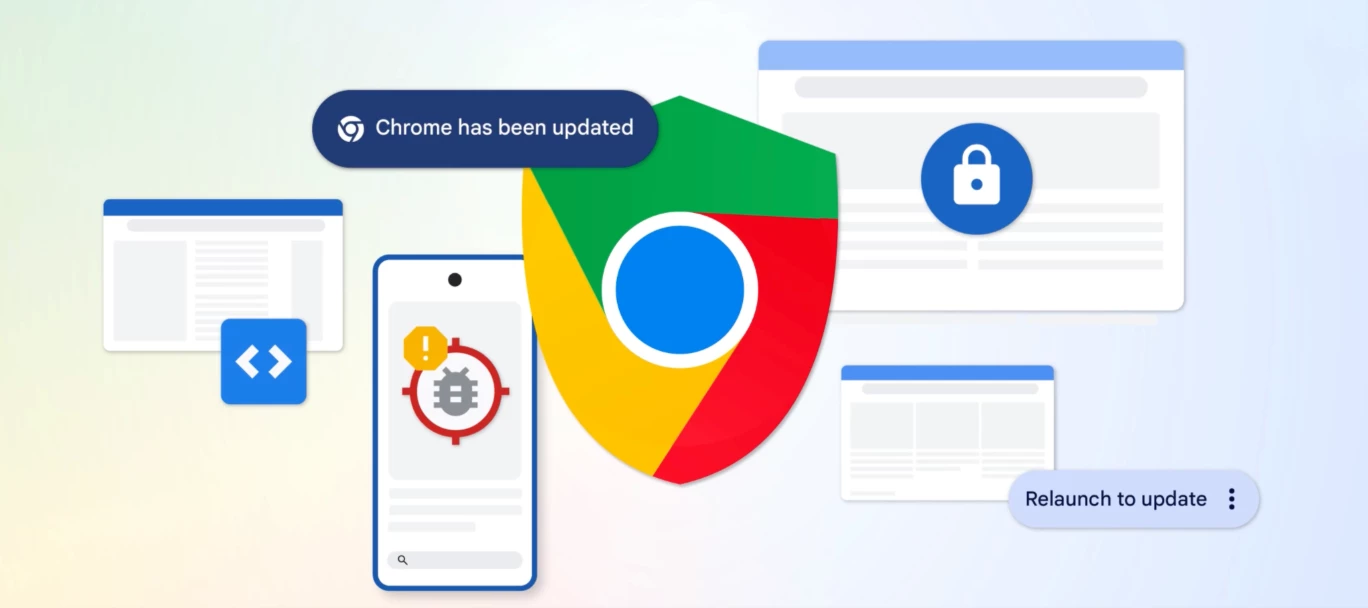
 The software security landscape is undergoing a structural shift driven by Large Language Models (LLMs). These models provide unprecedented capabilities for automated vulnerability discovery, scaling beyond human security expertise. To ensure structural resilience and comprehensive remediation, Google Chrome is deploying AI models at scale to identify, triage, and patch security vulnerabilities faster than ever. AI-Powered Vulnerability Discovery and TriageIn early 2026, Chrome implemented an agent harness utilizing Gemini to identify vulnerabilities across the broader codebase. This system operates with high efficiency and low false positive rates, notably discovering a sandbox escape vulnerability that had resided in the codebase for over 13 years. This AI-powered detection complements existing security testing infrastructure, such as fuzzing, and operates under strict guardrails. The AI analyzes source code strictly at rest on locked-down machines without general internet access.Simultaneously, the triage process has shifted toward an automated approach blending rule-based systems with AI. Historically, triaging a single security report took between 5 and 30 minutes. The automated triage process now executes four key phases:  Triage Phase Automated Function Filtering Eliminates spam, checks intake criteria, and verifies vulnerability descriptions. Reproduction Checks for proofs of concept and tests reproducible bugs on specific OS and browser versions. Enrichment Appends essential metadata, including severity ratings and the timeline of vulnerability introduction. Assignment Automatically routes the validated issue to the appropriate component and human owner.  This automated process saves hundreds of developer hours per month, reallocating resources to other critical security priorities.Accelerated Patching and Multi-Agent WorkflowsTo scale the bug-fixing process, Chrome relies on multi-agent workflows within its continuous integration (CI) systems. The workflow involves:A fixing agent that generates multiple candidate fixes based on specific issue context. A critic agent that evaluates the candidates and produces artifacts for developer review, mimicking standard code review processes. Test-writing agents that generate tests across all supported Chrome platforms to validate the fix.Number of security bugs fixed in recent Chrome Stable release milestones By utilizing LLMs to generate candidate fixes, Chrome has drastically increased its patching velocity. In milestones 149 and 150, Chrome patched 1,072 security bugs, surpassing the total number of security bugs fixed across the prior 23 milestones combined. Furthermore, continuous CI integration of tools like BigSleep and CodeMender blocked over 20 vulnerabilities—including a critical S1+ issue—from reaching production in a single month. Minimizing the Patch Gap: Rapid Updates and Dynamic PatchingClosing the "patch gap"—the window between a fix appearing in the open-source codebase and reaching end-user machines—is critical for preventing N-day exploits. To accelerate delivery, Chrome is moving to a 2-week release cycle for major milestones with weekly security updates, while simultaneously piloting a shift to two security releases per week.To reduce N-day exploitation risks associated with pending browser restarts, Chrome is developing new deployment mechanisms:Dynamic Patching: Leverages Chrome's multi-process architecture to sequentially replace background child processes (such as the Renderer and GPU) with updated binaries on the fly, eliminating the need for a full browser restart in most cases. Zero-Window Auto-Restart: Implemented in Chrome 150 on macOS, this feature automatically restarts the browser to apply pending updates when all windows are closed but the application state remains active in the background. Zero window auto-restart on macOS  Deepening Structural Defenses: Memory SafetyChrome employs a two-layered memory safety strategy to neutralize vulnerabilities at the architectural level.C++ Hardening and Mitigations The primary defense for the existing C++ codebase relies on toolchain and runtime mitigations:  Mitigation Strategy Technical Objective MiraclePtr & MiracleObject Expansion Neutralizes Use-After-Free (UAF) vulnerabilities. MiracleObject deployment aims to neutralize up to 90% of UAF vulnerabilities on the GPU main thread. Spanification Systematically eliminates Out-of-Bounds (OOB) spatial safety errors by migrating legacy constructs to compiler-enforced std::span types. Currently, 97% of first-party Chrome code compiles cleanly with strict unsafe-buffer warnings. Structural Hardening Integrates checked math for memory allocations to block integer overflows and implements heap partitioning to segregate pointer-containing types from non-pointer types.  Transitioning to Memory-Safe Languages To bypass the performance limitations of rigid C++ sandboxing, Chrome is actively deploying Rust for targeted "bug nest" eradication (e.g., complex data parsers and image codecs). A centralized Rust SDK exposes foundational Chromium APIs to facilitate high-privilege modularization, allowing complex features to execute safely inside high-privilege processes without sandboxing penalties.IT Administrator GuidelinesFor enterprise environments managing these updates, IT administrators should enforce the following standard methodologies to maintain their security posture:Apply the RelaunchNotification policy to prompt users to restart Chrome for pending updates, defining a clear escalation from a reminder to a forced restart. Utilize the Chrome Extended Stable Channel for highly sensitive environments requiring extended vetting periods for software changes. Leverage the OS-agnostic dashboard in Chrome Enterprise Core or Premium to track fleet-wide browser versions and manage updates granularly.Original Source: Stronger with every update: How we're making Chrome and the web safer in the AI Era 

Related products:Chrome Enterprise
Chrome Browser: Moving to a 2-Week Release Cycle

Chrome Browser: Moving to a 2-Week Release Cycle

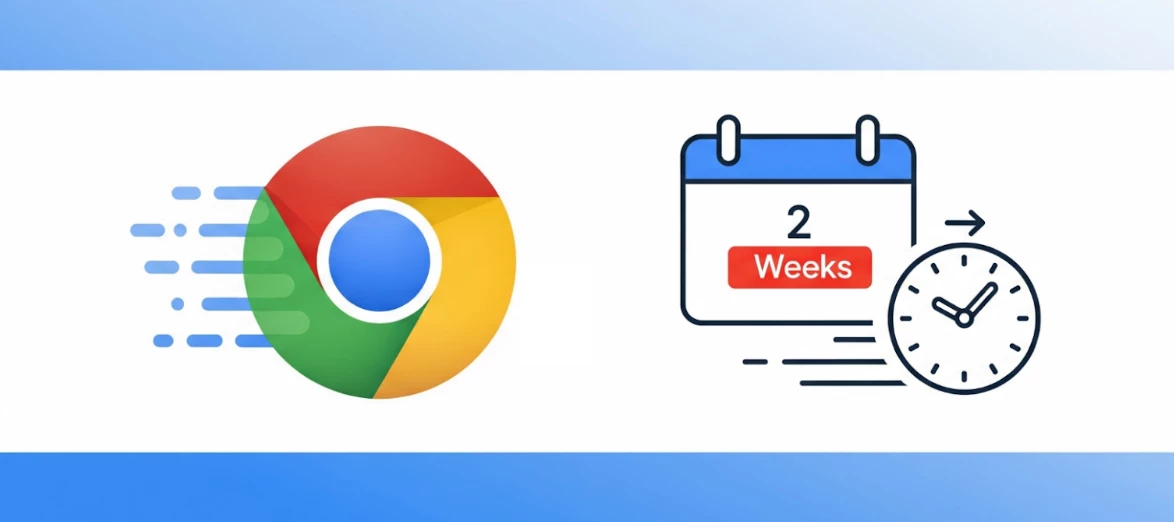
 Starting September 8, 2026 (with the Chrome 153 release), Chrome is officially moving to a 2-week release cycle across all major platforms (Android, iOS, Linux, macOS, and Windows), shifting from the current four-week cadence.As the web platform is constantly advancing, we want to ensure that developers and users have immediate access to the latest capabilities, security fixes and performance improvements.We are taking this significant step to further increase Chrome's development velocity and, whilst releases will be more frequent, their smaller scope aims at minimizing disruption and simplifies post-release debugging. Thanks to recent process enhancements, this shift is designed to maintain Chrome's high standards for stability.Managing Your Environment: Stable vs. Extended StableWhile this increased velocity delivers features and fixes faster, we understand that a shorter release cycle may raise concerns regarding maintenance costs and update management for enterprise IT teams.To help mitigate maintenance overhead, the Extended Stable channel is available as a reliable alternative. Extended Stable will continue with its existing eight-week cycle. By switching specific organizational units (or your entire fleet) to Extended Stable, administrators can maintain a slower, more predictable update cadence without absorbing the 2-week overhead.It’s worth noting that the new 2-week Stable option remains the most secure choice. We highly recommend utilizing the standard 2-week Stable channel if immediate access to vulnerability patches is a larger priority for your organization than minimizing maintenance costs.  Impact on ChromeOS DevicesWe will continue to offer extended release options for Chromebook users. Because our priority is a seamless experience, the latest Chrome releases will roll out to ChromeOS only after dedicated platform testing. We are currently adapting these channels for the new 2-week browser cycle. We will share more specific details soon regarding milestone updates for managed ChromeOS devices.Next Steps & ResourcesWe recommend reviewing the differences between all Chrome browser release channels ahead of September. If you choose to adjust your fleet's cadence, utilize this Help Center article to learn how to manage updates and deploy the Extended Stable option.Additionally, because a Chrome Beta for each version will now ship three weeks before the stable release, we highly recommend administrators test with the Beta channel to keep up to date with any upcoming changes that might impact internal sites and applications. For a complete look at the new release schedule and technical details, please review the official announcement on the Chrome for Developers blog. 

Related products:Chrome Enterprise
The New Era of Browsing: Putting Gemini 3 to Work in Chrome

The New Era of Browsing: Putting Gemini 3 to Work in Chrome

  From smarter side-panel assistance to autonomous "agentic" browsing.  We are thrilled to announce major updates coming to Chrome on MacOS, Windows, and Chromebook Plus. Built on Gemini 3, our most intelligent model yet, Chrome is transforming from a general-purpose tool into a trusted, proactive partner that helps you get things done faster.   What's New in Chrome?  Auto Browse (Preview for Pro/Ultra) Chrome is advancing beyond simple autofill to agentic action. Auto Browse can handle complex, multi-step chores on your behalf. Whether it's researching budget-friendly flights, filling out tedious online forms, or finding a specific item and adding it to your cart, Auto Browse does the heavy lifting.   Security First: Auto Browse is designed to pause and explicitly ask for your confirmation before taking sensitive actions like making a purchase. Personal Intelligence (Coming soon) Chrome will soon remember context from your past conversations to provide uniquely tailored, proactive assistance. You are always in control—you can opt in, choose which apps to connect, and disconnect them at any time. This transforms Chrome into a trusted partner that understands your specific needs. The Side Panel Gemini in Chrome now opens in a dedicated side panel, allowing you to multitask without losing your place. Compare options across too many tabs, summarize product reviews, or organize your calendar without ever leaving your primary workspace. Nano Banana Integration We are bringing the creative power of the Nano Banana model directly into Chrome. You can now transform images on the fly—right in the side panel—without needing to download, edit, and re-upload files. Connected Apps Gemini seamlessly connects with your favorite Google Apps (Gmail, Calendar, YouTube, Maps, Flights, and Shopping). Need to book a flight? Gemini can reference an old email for event dates, check Flights, and draft an email to your colleagues with your itinerary—all from the browser.   Availability Note: The new Gemini in Chrome is available on Windows, MacOS, and Chromebook Plus in the U.S. Auto browse is currently rolling out in preview for Google AI Pro and Google AI Ultra subscribers. Read the full announcement on The Keyword: The new era of browsing: Putting Gemini to work in Chrome 

Related products:Chrome Enterprise