Forum Discussion
Enable third party EMM (Intune)
So I am trying to enable Managed Google Play in Intune to use for Android device management.
We already have a managed Google domain, but we have device management turned off. To my knowledge we only use it for Workplace.
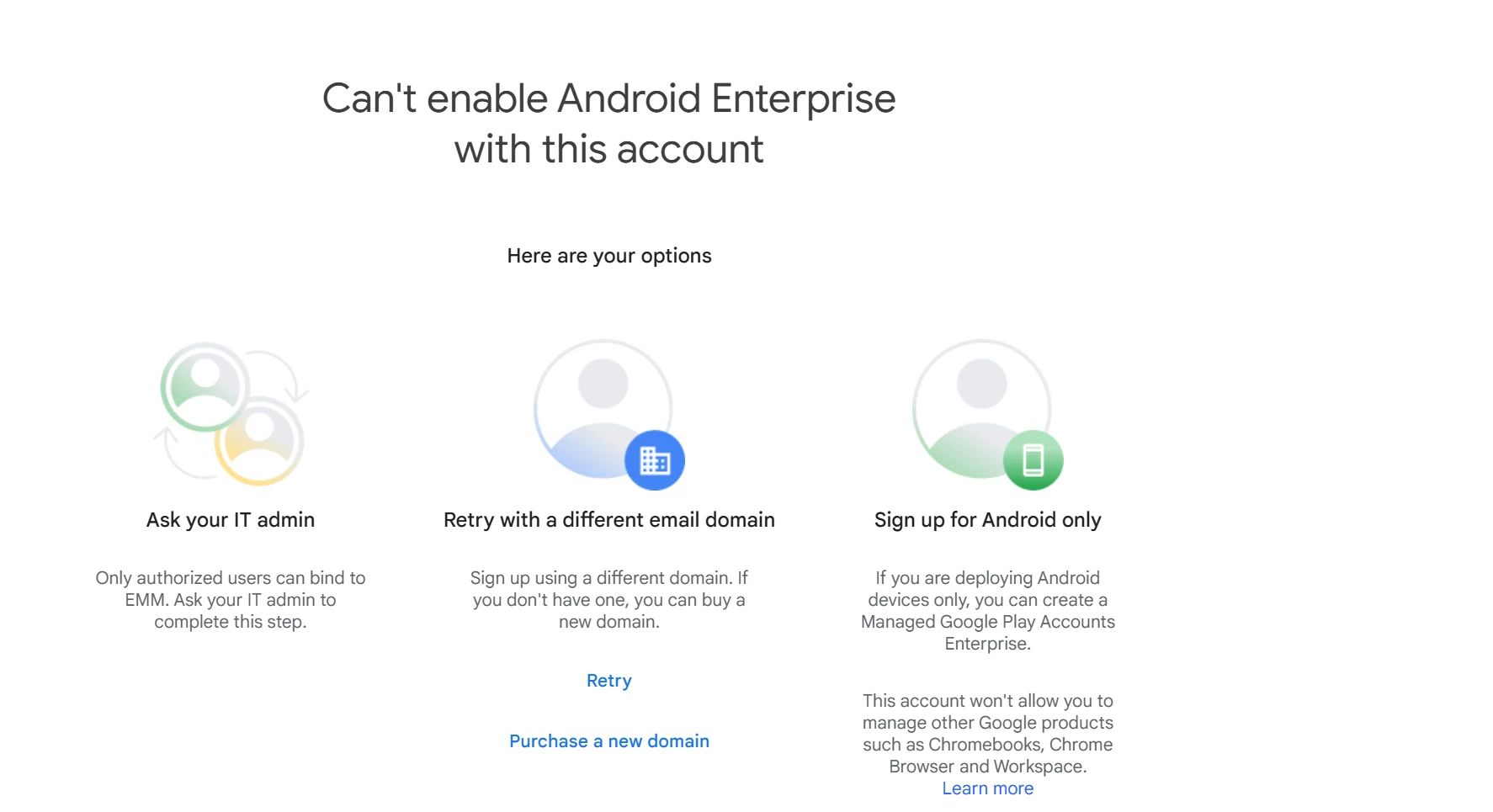
When I try to enable managed google play in Intune I get two different error messages
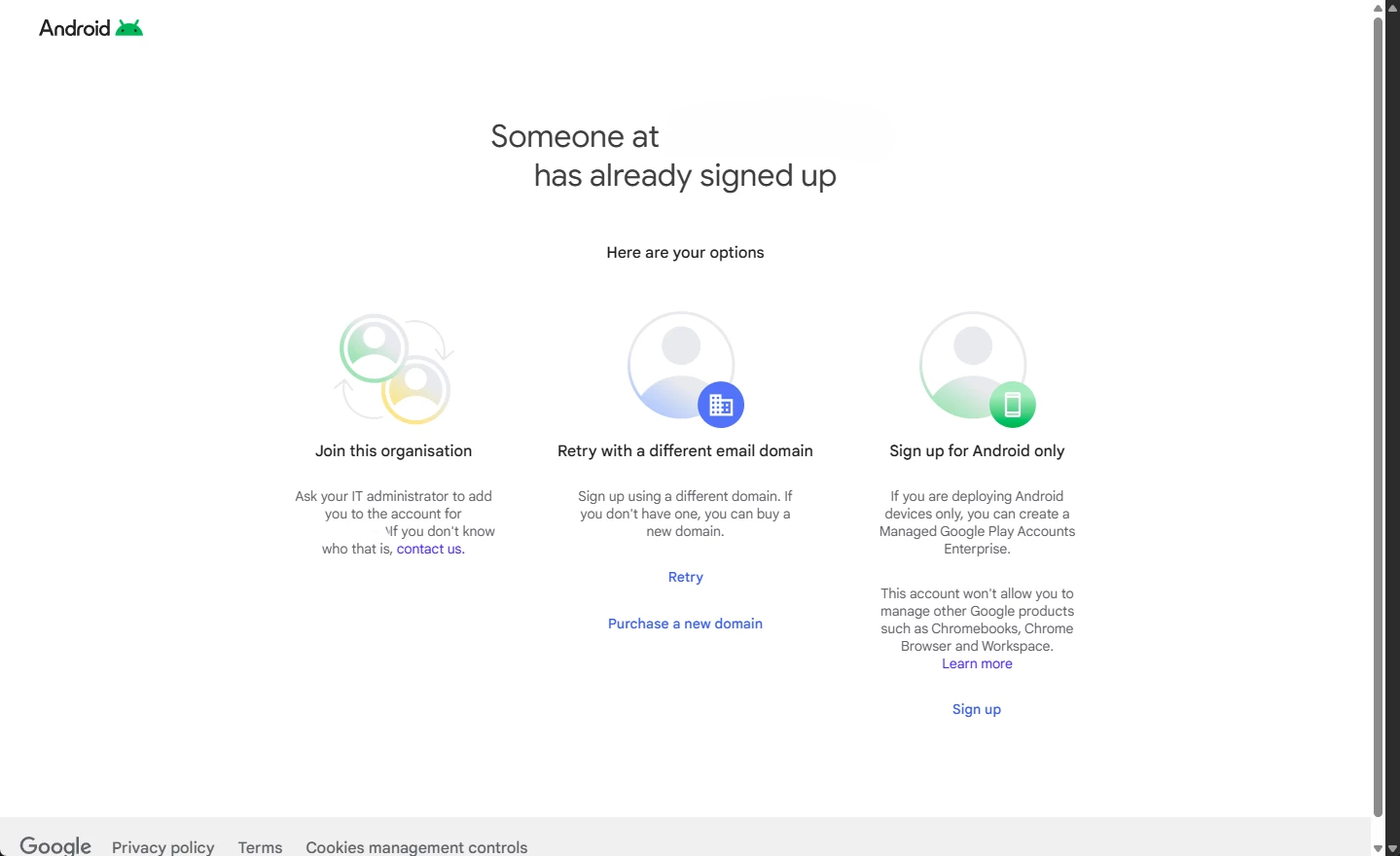
Any ideas or tips of what we need to enable or open up in the Google admin console to enable third party EMM?
Does the account I am using to enable managed google play have to be a google super admin or something?
- 2 months ago
Hey matsm,
I learned that you need an account with the "Super Admin" role to bind Android Enterprise to EMM (Intune in your case).
4 Replies
- matsmLevel 2.0: Eclair2 months ago
Thanks for the follow-up.
For some reason it didn't work with a service account even if it had the Super Admin role.
Had to use my own account. - Emilie_BGoogle Community Manager2 months ago
Hello matsm - hope you're well!
I've checked with our internal team and they said that having "Google Mobile Management" turned off in the Google Admin console is actually the correct configuration when you want to use InTune - as it prevents conflicts.
However, you still need to perform the Android Enterprise Binding so Intune has permission to talk to your Google Play Store.
And, as mentioned by markolisica, the account you use to authorise the connection must be a "Google Super Admin".
You can see more information regarding binding here: https://support.google.com/work/android/answer/14319210?hl=en#zippy=%2Cmanage-emm-bindingsPlease let me know if this is useful or if you need anything else :)
Emilie
- markolisicaLevel 1.6: Donut2 months ago
Hey matsm,
I learned that you need an account with the "Super Admin" role to bind Android Enterprise to EMM (Intune in your case).
Related Content
- 7 months ago
- 2 years ago
- 12 months ago