Rafa
Community Manager
Oct 21, 2026 8:30 AM UTC

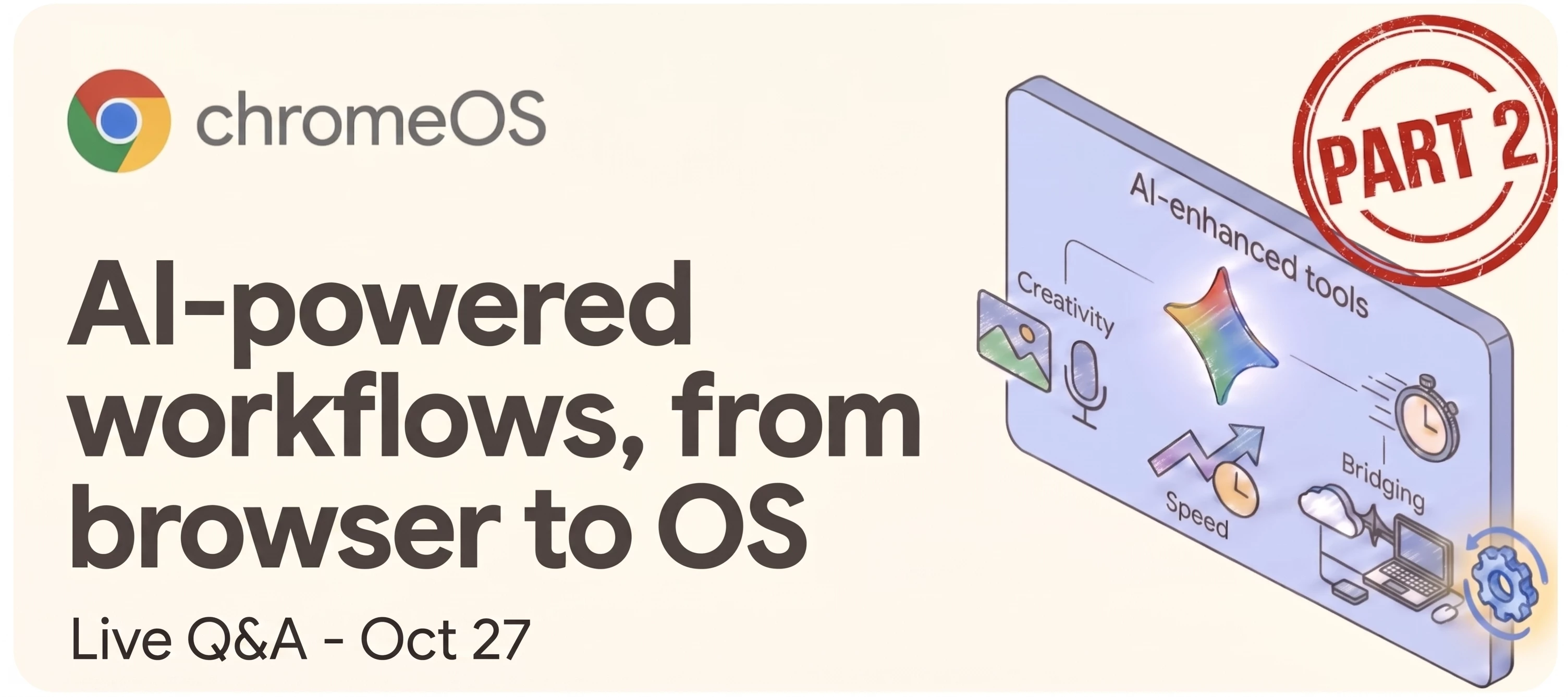
AI-powered workflows: from OS to browser Part 2 - Live Q&A Oct 27
  • Oct 27, 2026 9:15 PM UTC
  • 6 replies
  • 126 views
  • Translate All • Beta, powered by Gemini


Hi everyone,


With our AI-powered workflows from OS to Browser - Part 2 session coming up on Tuesday, October 27th, we wanted to kick off the conversation a little early!


Ready to take your AI workflows to the next level? Following our introductory August session, we're hosting an advanced 40-minute deep dive this October where we'll be discovering how integrated AI is redefining enterprise productivity, covering advanced use cases across Chrome Enterprise and ChromeOS. We will have a special focus on leveraging Gemini, Antigravity, and Google APIs to optimize your Admin Console, saving you valuable time.


To make sure you get the exact answers you need on these advanced features, we're running this thread as an interactive Q&A alongside the webinar.


Here is how it works:

  • 💬 Ask as we go: Drop your questions here while the event is live and our team will jump in with answers on the spot.
  • 🔄 Keep it rolling: The thread stays open after we wrap up, so you can revisit the discussion or ask follow-ups anytime.
  • ⏱️ Catch up later: If you can't make the live session, just leave your questions here now and read the team's responses whenever you're free.
     

View this Session On Demand

View Here to learn how to empower your users with AI-driven tools.

6 replies

New Member
Oct 27, 2026 4:23 PM UTC

Is there (or coming up) MCP server for Google Workspace and ChromeOS devices management?


Translate • Beta, powered by Gemini
Lynda
Community Manager
Oct 27, 2026 4:49 PM UTC

While dedicated Workspace and ChromeOS device management MCP servers are likely in development, their release dates are currently unannounced. In the meantime, administrators can use AI-assisted, scoped custom API scripts (such as lightweight gw scripts) as an effective alternative.

Translate • Beta, powered by Gemini
Lynda
Community Manager
Oct 27, 2026 4:50 PM UTC

Q: Can we use Service Accounts with the Chrome Enterprise Premium MCP server instead of personal accounts?

A: The MCP server requires personal administrator accounts because it relies on OAuth tokens (which expire hourly) and human-in-the-loop tracking so that all actions are explicitly attributed in Google Admin audit logs. However, automated background workflow scripts outside the interactive MCP session can still utilize traditional Service Accounts.

Translate • Beta, powered by Gemini
Lynda
Community Manager
Oct 27, 2026 4:50 PM UTC

Q: How does exposing many tools or CLI options impact the AI agent?

A: Exposing too many tools (e.g., broad CLI suites like GAM with over 200 API calls) consumes up to 20% of the model’s context window just reading tool definitions. Using targeted, narrowly scoped custom scripts instead of giant toolkits keeps context overhead low and significantly improves model response speed and reliability.

Translate • Beta, powered by Gemini
Lynda
Community Manager
Oct 27, 2026 4:51 PM UTC

Q: Do MCP servers support enterprise proxy environments, and how is token security handled?

A: Yes, MCP servers connect directly to Google APIs and support corporate proxy environments. For security, admin OAuth tokens automatically expire every 1 hour, requiring re-authentication to prevent persistent unauthorized access.

Translate • Beta, powered by Gemini
Lynda
Community Manager
Oct 27, 2026 4:52 PM UTC

Q: Does the Chrome Enterprise Premium MCP tool support creating "Block" rules for DLP?

A: Chrome Enterprise Premium MCP covers Chrome Enterprise Core features and DLP setup, but intentionally strips out automated "Block" actions - restricting AI rule creation to Audit or Warn modes. This guardrail ensures that an AI agent cannot accidentally lock human users out of business-critical systems.

Translate • Beta, powered by Gemini