A place for questions, discussions and knowledge-sharing across all things ChromeOS. Hit 'Subscribe' to stay in the loop.
Recently active
Calling all IT Admins! Your voice is our most powerful tool for improvement. We are currently running our bi-annual ChromeOS Admin Survey, and we need your insights to help us prioritize the features and fixes that matter most to your organization. This is your direct line to our Product Managers to tell us what’s working and where we can do better. How to Participate It’s easy! The next time you log in to manage your fleet, look for the survey announcement banner within the ChromeOS section of the Google Admin Console. Global Access: The survey is available in 6 languages. Quick Impact: It takes approximately 10 minutes to complete. Proven Results: Previous feedback from this community has directly influenced our product roadmap and helped us double our engagement efforts. Why Your Input Matters We want to ensure we are hearing from a diverse range of global perspectives. Whether you manage 10 devices or 10,000, your experience is vital to making ChromeOS the best enterprise operati
Yesterday our fleet of HP PC’s all running ChromeOSFlex fail to start correctly and freeze at the splash screen when connected to monitors by Display port to HDMI cables If we disconnect them and use VGA - VGA cables they start perfectly. and continue to run if you then swap out the cables to Display port to HDMI cables.On reboot the same problem occurs againWe have reinstalled ChromeOSFlex and replaced the SSD drive on one machine just to see if that is a problemIt made no difference. Any ideas ? Kind regards Philip
Hi everyone,We are experiencing an issue and I'm hoping someone in the community has seen this or has a solution. We have multiple users reporting that their cameras freeze or experience significant video lag during Google Meet calls on their Chromebooks. The video feed becomes incredibly laggy and choppy, but the audio occasionally remains clear despite the visual glitches.Hardware Details: Ram: (8GB RAM). Processors Used: AMD Ryzen (e.g., Ryzen 5 series) and i5 Intel processors. ChromeOS Versions: 150.0.7871.213, 150.0.7871.185, and 149.0.7827.238. Behavior: The freezing can occur immediately upon joining a meeting or develop roughly 5 to 10 minutes into the call. Timeline: Started ~4 weeks ago (no issues prior to this). Support Feedback: We have an open ticket with Google Workspace Support. They noted high CPU usage during sample calls and suggested CPU temperature might be the culprit. However, our live monitoring shows CPU temperatures remain steady at around 50°C to 70°
We are moving phishing resistant authentication using passkeys on large scale. Unfortunately some of our key tools on Chrome OS or Android are lacking the support e.g. Citrix Workspace App for Chrome OS or Android. What are you experiences with PR authentication rollout and Citrix support in such scenario mainly on other platforms than Windows? Thank you
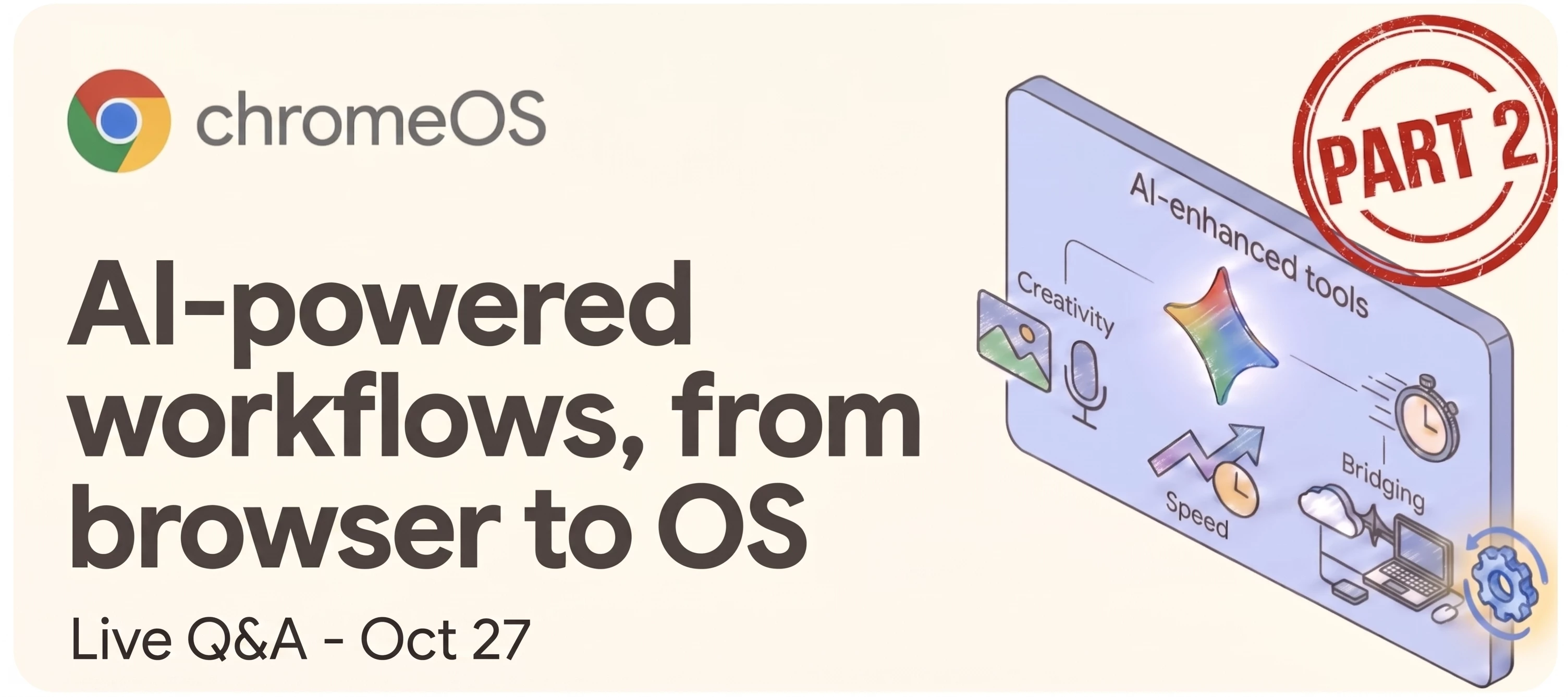
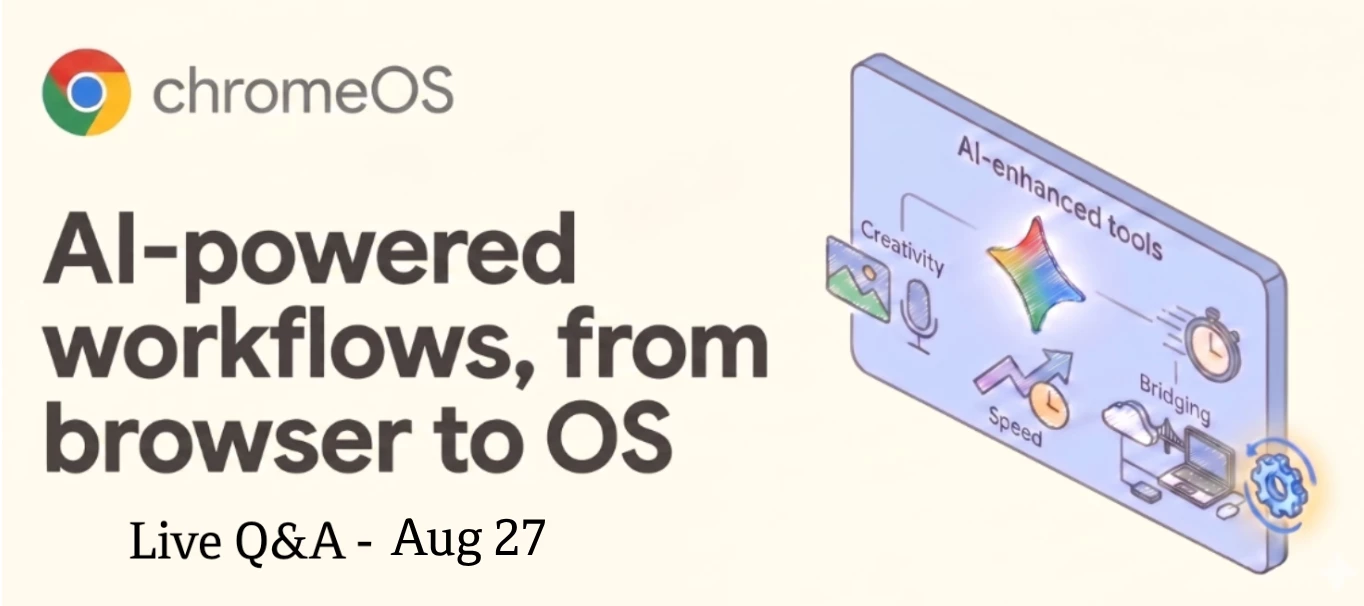
Hi everyone,With our AI-powered workflows from OS to Browser - Part 2 session coming up on Tuesday, October 27th, we wanted to kick off the conversation a little early!Ready to take your AI workflows to the next level? Following our introductory August session, we're hosting an advanced 40-minute deep dive this October where we'll be discovering how integrated AI is redefining enterprise productivity, covering advanced use cases across Chrome Enterprise and ChromeOS. We will have a special focus on leveraging Gemini, Antigravity, and Google APIs to optimize your Admin Console, saving you valuable time.To make sure you get the exact answers you need on these advanced features, we're running this thread as an interactive Q&A alongside the webinar.Here is how it works:💬 Ask as we go: Drop your questions here while the event is live and our team will jump in with answers on the spot. 🔄 Keep it rolling: The thread stays open after we wrap up, so you can revisit the discussion or ask
Hi,We are integrating Google Workspace with our SCEP server for device certificate enrollment.We observed that when Google Workspace performs certificate renewal/replacement, it sends a SCEP PKIOperation request with MessageType 19 (PKCSReq), instead of MessageType 17 (RenewalReq).Our SCEP server supports both: PKCSReq (19) – Initial enrollment RenewalReq (17) – Certificate renewal Since Google Workspace sends PKCSReq during the renewal scenario, our backend treats it as a fresh enrollment and issues a new certificate. Google Workspace then replaces the old certificate on the device.Could you please clarify: Is this expected behaviour in Google Workspace? Should Google Workspace send RenewalReq (17) when renewing an existing SCEP certificate? Is there a configuration or recommended approach to make Google Workspace use RenewalReq for certificate renewal? Thanks!
Hi everyone, I’m hoping to get some clarification on the differences between Google Workspace Context-Aware Access (CAA) and Chrome Enterprise Premium Context-Aware Access. From what I understand, both allow conditional access controls based on user, device, and context, but I’m not fully clear on where the separation lies between them. For example:Does Workspace CAA mainly govern access to Google Workspace apps like Gmail and Drive, while Chrome Enterprise Premium CAA extends those controls to managed browsers and web apps?How do policy management and enforcement differ between the two?Are there separate admin configurations, or do they integrate within the same console?I also noticed that Context-Aware Access now supports OIDC, and that CAA for OIDC apps can be configured at the OU level. Does this capability apply to both Workspace and Chrome Enterprise CAA, or is it specific to one of them?If anyone has experience managing both solutions — or can share any official docume
We publish an Isolated Web App that is force-installed on managed ChromeOSdevices via the Admin Console for an enterprise customer.Since the Chrome 143 managed-installation allowlist requirement, the app shows"This app is unverified and may not work properly" in the Admin Console, and weexpect updates will no longer reach devices until the Web Bundle ID is on theGoogle-managed allowlist.The documentation says the process starts with "Developer/partner reaches outto their Google contact (Partner Engineering or other point of contact)", andthat if we don't have one we are likely not part of the early IWA program:https://developer.chrome.com/docs/iwa/allowlistThe blink-dev PSA lists contact addresses, but they are masked for signed-outreaders:https://groups.google.com/a/chromium.org/g/blink-dev/c/iTCPaBw6HxUWe do not currently have a Partner Engineering contact, and email attempts havenot reached anyone.Question: what is the correct route for a developer in this position to requestIWA all
We purchased 26 Chromebooks a few months ago to use them for exams. All of them are booting into managed guest mode but only one ist always showing the notification that it is running in a managed guest session. In my research so far, I haven't found a way to disable the notification either, since I can't edit the relevant policy in the admin console, and it doesn't seem to be pushed to the device at all. Strangely enough, only this one device is affected. We run the devices on the Google Chrome Education Upgrade. Any Ideas how I can switch off the notification permanently?
Crostini: wl-copy, wl-paste, and xclip cannot access ChromeOS clipboard while GUI clipboard worksEnvironmentChromeOS with Crostini (Debian container) wl-clipboard 2.2.1 Sommelier running normally Linux GUI applications functionalDescriptionAfter a recent ChromeOS update, command-line clipboard tools no longer interact with the ChromeOS clipboard.The issue affects:wl-copy wl-paste xclipHowever, clipboard synchronization between Linux GUI applications and ChromeOS continues to work normally.For example:Copying text in Mousepad and pasting into Chrome succeeds. echo hello | wl-copy hangs indefinitely. wl-paste hangs indefinitely. echo hello | xclip -selection clipboard returns immediately but does not update the ChromeOS clipboard.This suggests that GUI clipboard integration remains functional while CLI clipboard mechanisms are broken.Expected Behavior Shell1echo hello | wl-copyshould return immediately and place hello into the ChromeOS clipboard. Shell1wl-pasteshould return clipboard
The Google Play tool does not appear on some Chromebooks in our organization.All settings are configured correctly in the OU. Some machines in the same OU receive the tool, while others do not.
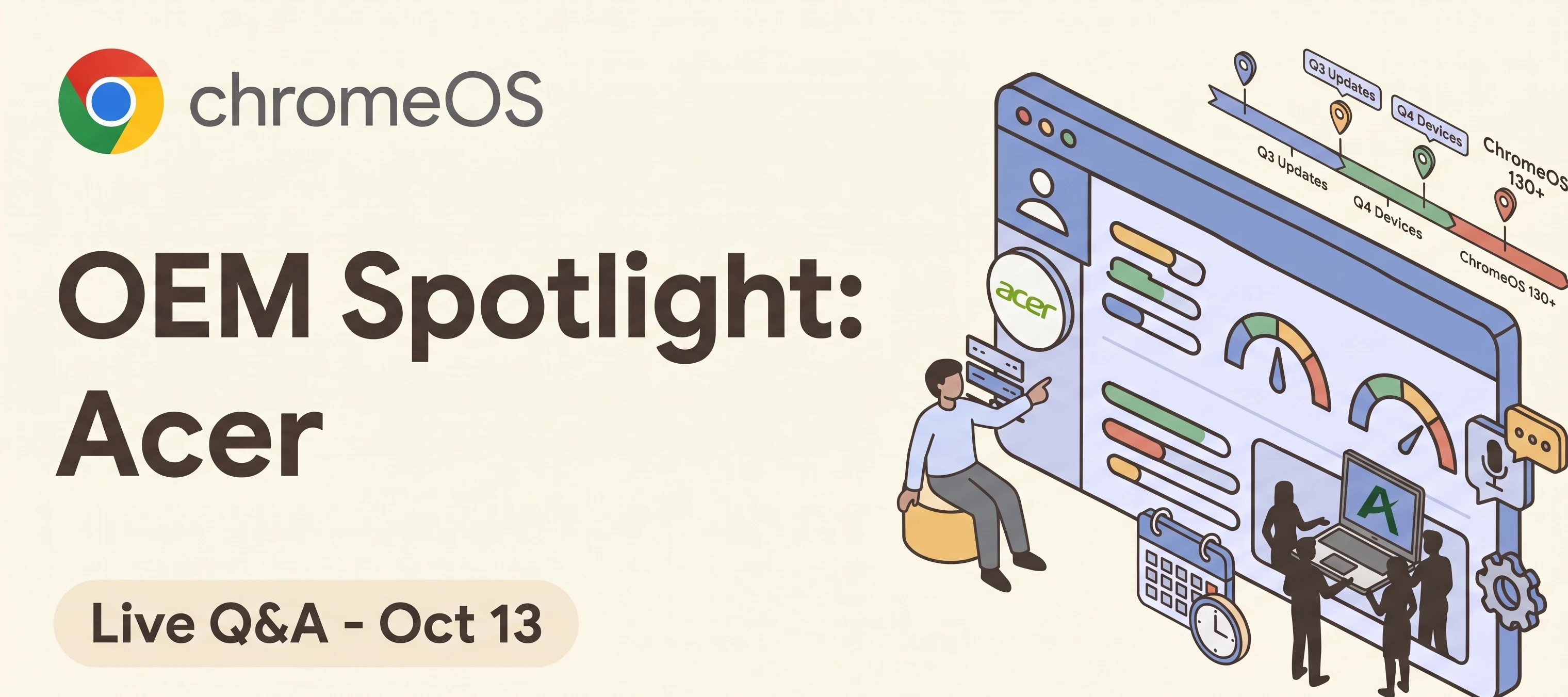
Hi everyone,Our OEM spotlight - Acer session will place Tuesday, October 13th and we wanted to open up the floor for your questions!To make sure you get the exact answers you need directly from the Acer product team - covering both current offerings and the future ChromeOS product roadmap - we're running this thread as an interactive Q&A alongside the exclusive AMA webinar. Here is how it works:Ask as we go: Drop your questions here whilst the event is live and the team will jump in with answers on the spot. Keep it rolling: The thread stays here after the event is wrapped up, so you can revisit the discussion or ask follow-ups anytime. Catch up later: If you can't make the live session, just leave your questions here and read the team's responses whenever you're free.
Multiple Chromeboxes are fatally crashing and cannot be restored with Recovery after the last update.Units affected so far are the Asus Chromebox 3 TEEMO D7-A3B-B4Z-S5A-A92 and Acer Chromebox CXI3 D15Q1Stable beta, nothing will bring them back to live. Maybe for a short term but they auto update and die again. Stable even mentions that the mirror image is outdated. I just downloaded a minute ago.Why is Google allowing this?! It started last week.We have a few spare chromebooks and after that it is over. I am so done with this system. They just end production machines at will and do not seem to notice or care at all.Not more ChromeOS for me, I am out. This does not belong in a professional setting!!!!!!
Action Required for IT Administrators Please be advised that at the end of June 2027, ChromeOS will officially end support for certificate enrollment workflows that do not utilize the Certificate Provisioning API. After this deadline, no new certificates will be issued, and certificate renewals without the Certificate Provisioning API will fail. To prevent service disruptions and ensure continuous network and resource access for your enterprise fleets, IT administrators must transition to the Certificate Provisioning API standard prior to June 2027. Timeline & ImpactMilestone Date Operational Impact Migration Window Ongoing – June 2027 IT administrators should test and deploy the Certificate Provisioning API across all organizational units. Deprecation Deadline End of June 2027 Support for legacy certificate enrollment ends. Unmigrated devices will be unable to receive new or renewed certificates. Guidance & Migration ResourcesTo assist your organization with a
On September 21, 2026, the Google Chrome Certification Program officially migrated to a new, dedicated management portal: CM Connect.This is now your central hub to schedule exams and access your badges. Keep an eye out for a welcome email in your inbox with your activation details! (example image below) ⚠️ How to Activate Your Migrated AccountYour historical exams and active credentials have already been transferred. Do not register for a new account, as this will cause an error. Instead, activate your profile: Go to the CM Connect Login Page. Click "NEVER LOGGED IN BEFORE?" on the login screen. Enter the exact email address you used for Webassessor to set your password. 📌 Key Rules & Reminders Dedicated Login: Credentials from other Google certification systems (Google Cloud, Workspace, etc.) will not work here. One Account Only: Maintaining multiple profiles violates policy and can lead to credential suspension. ID Verification: Your profile name must exactly match yo
taking forever for students to login both with chromebooks and desktops
Does anyone here have experience of putting a ChromeOS fleet (managed) behind Okta for SSO? We have the basic SSO working as expected, but we have challenges around controlling session lengths in particular.Our idea setup would be; User signs into the device with Okta (IdP) Session token is passed-through to the Chrome Browser The session is valid for 12hrs (matching our Okta Global Session Policy) At the end of the 12hrs the user is logged out of the session and asked to re-authenicate via Okta (IdP) Sleep wakes and Lid-Close & Open wakes are password only within the 12hrsFor some reason we just can’t reach this configuration, there is always one blocker or another no matter what configuration combination we try.The easiest finger to point is that the controls for re-authorising SSO/SAML (SAML Single Sign On Login Frequency) aren’t granular enough, there is no intermediate between 1 day and Always. But we are open to any ideas.We have however tried many things including forcing re
크롬북 모델은 BUGZZY - HQLQ 입니다.계속 전원을 껐다켜도 '문제가 발생한 경우' 같은 오류 메세지 화면이 뜹니다. 학교에서 사용하는 크롬북인데, 제가 관리자 입니다. 문제 해결을 시도해 보려면 복구 프로세스를 시작하라고 해서 복구 프로세스로 들어가고 USB를 활용해서 복구를 해보려고 하였으나 usb 를 꽂는 단계에서 오류가 발생했다는 메세지가 계속 뜹니다. 안드로이드 휴대전화로 복구도 시도해보았으나 앱을 설치하는 QR 을 찍어보니 링크가 알맞지 않다는 말이 뜹니다.
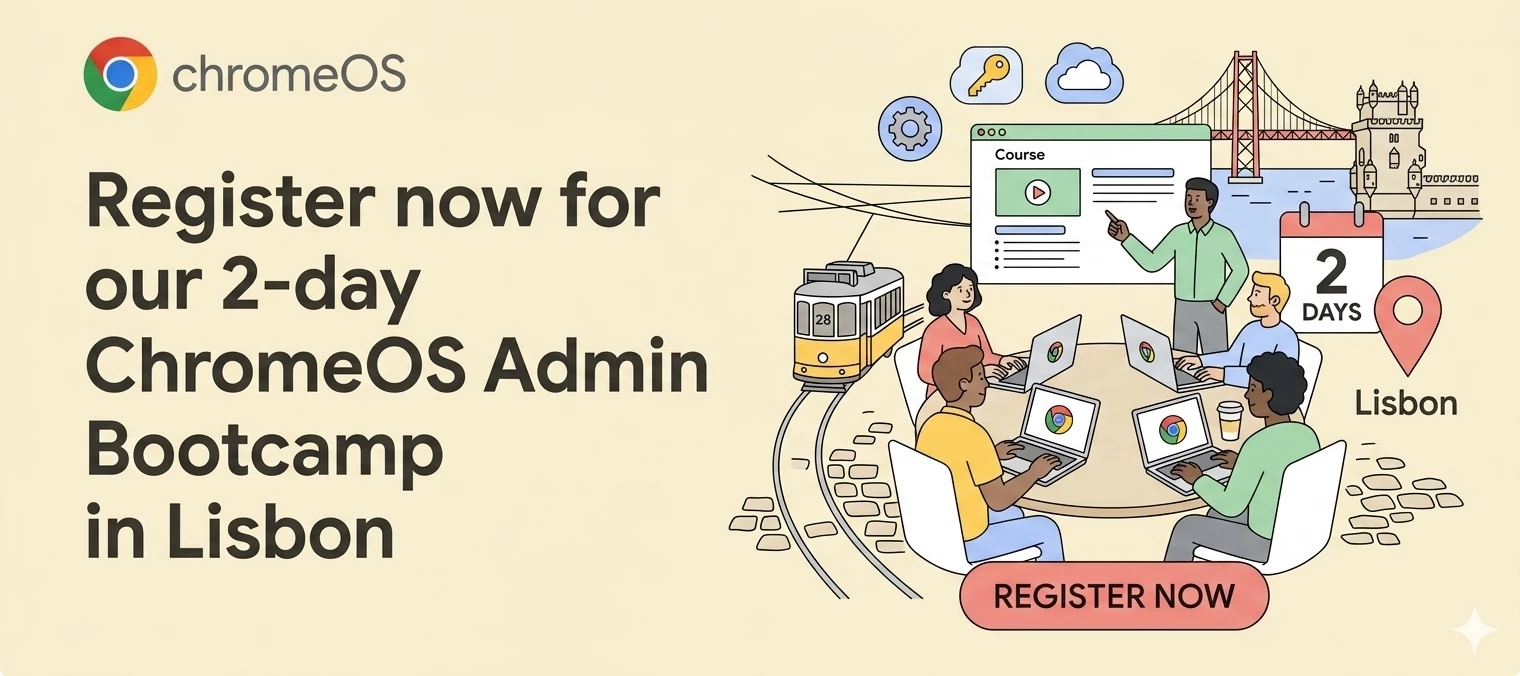
🚨 Calling all Portugal-based Admins looking to deepen their ChromeOS knowledge 🚨 Our team will host a 2-Day ChromeOS Admin Bootcamp at our Google Lisbon offices on September 16–17. This is a full two-day immersive training course aimed at IT administrators who want to deepen their proficiency in ChromeOS management capabilities. What to expect during these 2 days:You'll learn the ins and outs of ChromeOS, how to enroll and manage devices at scale, and how to troubleshoot and find support. Guided by our trainers, you'll dive deep into the Google Admin console, manage test accounts, and leave as a proficient ChromeOS Administrator ready to take the Certification Exam. We have a few last spots available on a first-come, first-served basis. If you'd like to join, please respond to this post to express your interest.
Good morning, Asking here, as i find a lot of different info on the net. We run a hybrid solution of enduser devices, both windows and Chromebooks. Now, the problem is that we have certain apps that is different on Chrome and Windows, like the Citrix workspace. To make it more symmetric, we are thinking about the Citrixc HTML5 as an alternative, that would let veryone use the same app, and remove the confusion that occurs when users log inot windows and get teh Citrix app fir noth chrome and windows on their device. Do anyone have any experience with the HTML version? I read a lot about some serious limitations in certain features like video / audio, support for multiple screens etc? :)
Hi everyone, AI is dominating the conversation right now, but figuring out how to actually deploy it securely across your entire fleet is the real challenge for IT teams. Since our AI-powered workflows: from OS to browser session is just around the corner, I wanted to open up the floor for your questions ahead of time!To make sure you get the exact answers you need on AI integration, data security and best practices for deploying these smart features across your fleet, we're running this thread as an interactive Q&A alongside the webinar. Here is how it works: 💬 Ask as we go: Drop your questions here whilst the event is live and our team will jump in with answers on the spot. 🔄 Keep it rolling: The thread stays here after we event is wrapped up, so you can revisit the discussion or ask follow-ups anytime. ⏱️ Catch up later: If you can't make the live session, just leave your questions here and read the team's responses whenever you're free. View this Session On Demand View H
Good to know for some of u!I did raise this question:Several of our clients are reporting an issue on their Chromebooks affecting various Google Sheets. Notably, this does not affect every user, even among those using the exact same Chromebook model.When opening a Sheet, the content appears blurry and unreadable. We have already tried resetting the zoom level to default, disabling hardware acceleration, and verifying the text wrapping settings, but the issue persists.Has anyone encountered this problem before, or could anyone suggest a potential solution? Luckely there is a temp fix for this:Adjust Canvas AccelerationIn the Chrome browser on an affected device, navigate to chrome://flags/#disable-accelerated-2d-canvas Set the flag to Disabled (or toggle to your system's default state). Click Relaunch at the bottom of the screen to restart the browser. Reload Google Sheets to verify that text and numbers render clearlyIf u having this issues, please raise a ticket with Google support to
Google is excited to team up with a trusted external partner to host monthly, virtual bootcamps designed to help you confidently prepare for and pass the ChromeOS Administrator exam.Whether you are an IT admin or a Google partner looking to validate your skills, these intensive sessions offer the guidance, hands-on practice, and resources you need to succeed.📅 Event DetailsWhen: Monthly on the last Wednesday of every month (Launching July 29, 2026) Duration: ~4 hours (Single-day, live virtual session) Perks: Attendees will receive an exam voucher on the day of the bootcamp!💡 What You’ll Gain & LearnThrough a blend of instruction and interactive exercises, each bootcamp covers:Exam Fundamentals: Overview of the registration process and proven test-taking strategies. Topic Deep-Dives: Comprehensive review of exam domains with recommendations for further study. Interactive Learning: Hands-on labs and real-world case study scenarios to reinforce technical concepts. Practice Practice
I have several (at least 20 found today) HP Chromebook 11A G8 EE chromebooks that are suddenly saying no camera found. Camera doesn't work in any application. Have tried resets, recovery, and power washes. Permissions are all good and standard across the enterprise. The issue only occurs on this particular model of Chromebook. What am I missing?
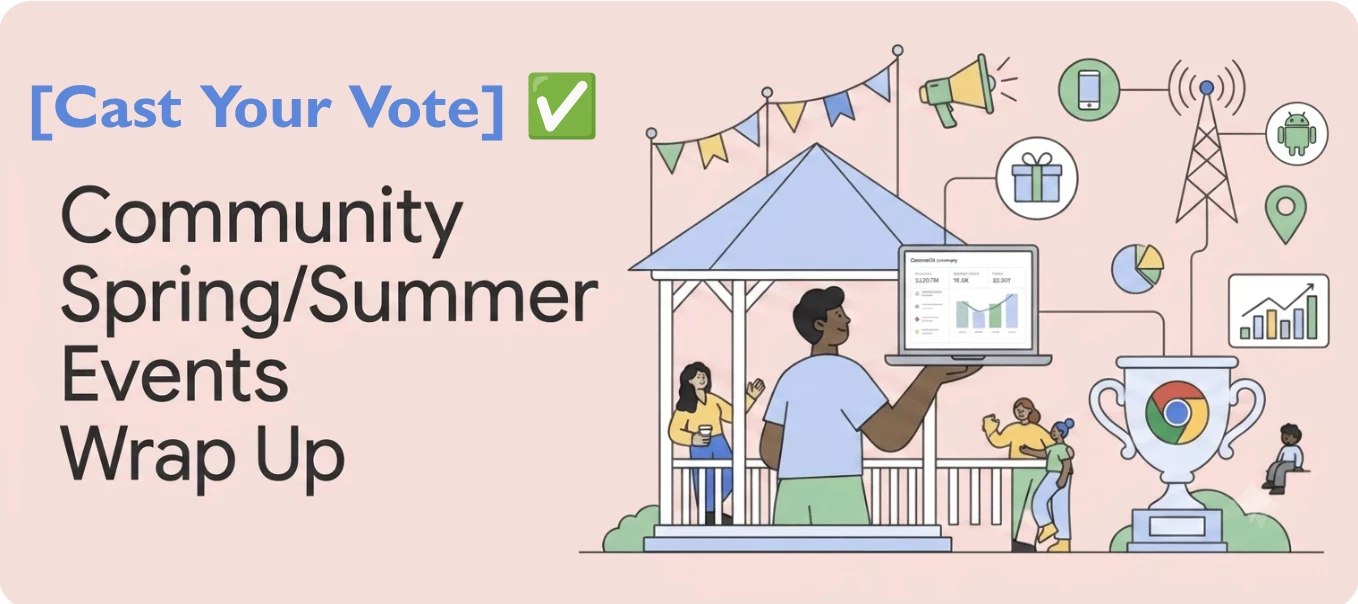
Hi everyone, As we make our way halfway through the summer (or winter in the southern hemisphere), it’s time to look back at the wonderful spree of events we had in our community during the past few warm months (I’ve got to say, in London they have been quite warm).We start at the tailend of spring with the Android Desktop Windowing session. It was followed by the constant cadence of well-attended summer webinars: we hit the ground running with our very first Chrome Enterprise event in the community, Let's Talk Chrome Enterprise. Then a plethora of ChromeOS events took place and we couldn’t be happier with how many of you have RSVP, attended and dropped your questions in one of our sessions and live Q&A articles. To illustrate the above, here’s a summary of what went on during summer so far, alongside some useful links for you to review all the knowledge shared as you please: Date Event Related Article Watch on Demand Android Deskto
Already have an account? Login
Enter your E-mail address. We'll send you an e-mail with instructions to reset your password.