

Join the Locate Disabled ChromeOS Devices TT
Hi everyone,
We are excited to announce an opportunity to join a new Trusted Tester (TT) program for a high-priority recovery feature: Locate Disabled ChromeOS Devices.
Managing a fleet of devices is simple until one goes missing. This first-party solution provides IT administrators with a built-in way to track lost or stolen hardware without relying on third-party extensions.
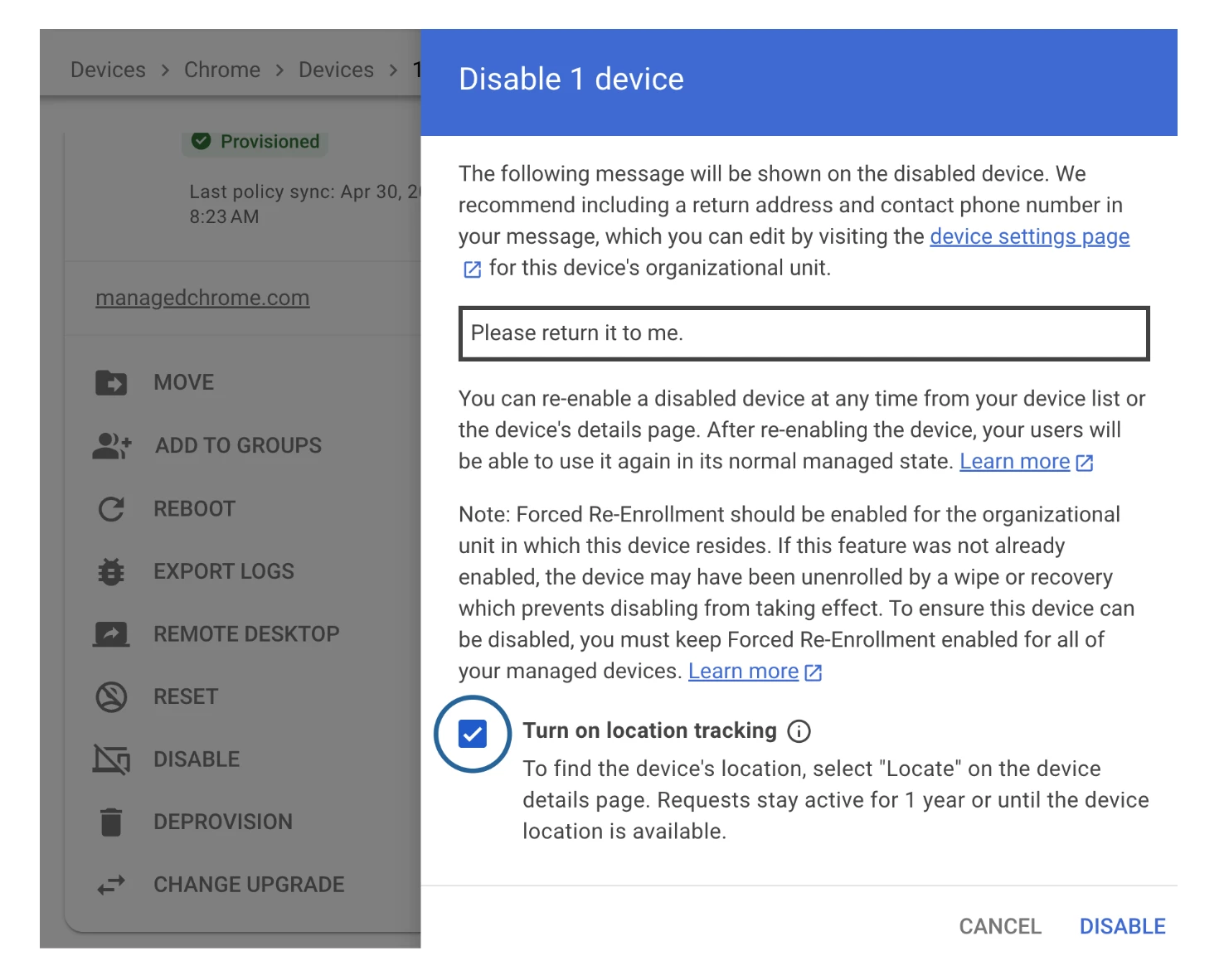
What is the Feature?
Currently, finding the physical location of a lost Chromebook requires complex workarounds. This new feature allows administrators to capture the approximate geolocation (via Wi-Fi/Cellular signals) of a managed device only after it has been disabled.
This pilot allows you to:
- Trigger Remote Location: Use a native "Locate" command directly from the device details page in the Admin Console.
- Maintain Privacy: Tracking is strictly tied to "Disabled" mode—admins cannot track active users, and a lock screen notification informs users when location is being accessed.
- Automate Recovery Alerts: Configure email notifications to be alerted the moment a missing device checks in online.
- Ensure Data Security: Location data is automatically deleted 24 hours after a device is re-enabled.
By integrating tracking directly into the Admin Console with non-negotiable privacy guardrails, we are offering the visibility you need without compromising user trust. For more information, head on over to our Product Hub for a blog post on this Trusted Tester.
How to Apply
[Update] As of August 2026 this feature is now general availability and live from M148.
Article with more information is available here: https://support.google.com/chrome/a/answer/17100759
