Security
111 Topics
Is there any way to disable Google Play Protect (GPP) from an EMM or to otherwise whitelist apps from scanning?
I am very concerned about the Enhanced GPP features coming soon that are currently being piloted in other regions. https://security.googleblog.com/2023/10/enhanced-google-play-protect-real-time.html This is not a welcome feature whatsoever for the fully managed space where we have business apps written internally that are being installed on business devices, owned by that business. In no way do we want Google sitting in between deciding whether a very legitimate app written internally for an organization should be installed on devices that are purchased and owned by the same organization on fully managed devices. I would like a way to disable GPP completely, or at a minimum whitelist applications from scanning as we don't want Google interfering in the business operations. GPP is a helpful consumer protection features but fully managed devices should have the ability to be opted in or out of the program. Otherwise GPP can incorrectly flag a mission critical app and disable or remove it from a device, thereby bringing down a line-of-business application and an end customers operations. While the intentions of GPP are good, by blocking business apps Google themselves is becoming the malicious actor that GPP is ironically trying. to prevent.Solved43KViews17likes58CommentsEnhanced Factory Reset Protection in Android 15
Factory Reset Protection: A Shield for Everyone Smartphones and tablets have become integral to our work and personal lives, however, they can also be easily lost, and on occasion, stolen by opportunistic thieves. Many times these bad actors will simply wipe the device to remove any personal and business data, with the intent of selling or using the device themselves. That's where Factory Reset Protection (FRP) steps in as a crucial line of defense. FRP is an Android security feature designed to prevent the reuse of a lost or stolen Android device. It requires your Google account or lockscreen credentials after a factory reset, ensuring that only the rightful owner can access and use the device once it has been wiped. Enhanced Factory Reset Protection Building on its initial purpose, FRP has evolved significantly with the release of Android 15. In the past, tech-savvy thieves and users found ways to bypass FRP, but Android 15 closes those loopholes with powerful new protections. These enhancements were added to combat unauthorized access and make stolen devices much less appealing to thieves, whether they're targeting personal or company-owned devices. Prior to Android 15, the Setup Wizard was responsible for determining whether FRP should be activated, and for enforcing it, including determining whether you have authenticated with the correct credentials to get out of FRP mode and proceed with setup normally. But the Setup Wizard was designed to be a user-friendly tool to walk through setting up a device, not a security enforcement barrier. In Android 15, FRP enforcement has been moved deep into the system, where it’s much harder to overcome. Benefits You Can Count On These enhancements translate into real-world benefits for everyone: Individuals: Deters Theft: FRP makes stolen devices far less valuable, as thieves can't bypass the Google account login or lock screen credential check. This significantly reduces the incentive for theft. Peace of Mind: Knowing that your Android device has this robust security feature gives you peace of mind. You can rest assured that if your device falls into the wrong hands, it cannot be used for anything. Enterprise and Managed Devices: Enhanced Device Security: Factory Reset Protection makes it much harder to reuse or sell stolen devices, which discourages thieves from stealing them in the first place. Simplified Device Management: FRP integrates seamlessly with enterprise mobility management (EMM) solutions, allowing IT administrators to enforce FRP policies and ensure devices are protected. With Android 15, FRP has evolved into a powerful deterrent against device theft by making stolen devices unusable.15KViews7likes15Comments
Master ownership of Android devices
Factory Reset Protection / persistence is a powerful tool but it does not yet feel complete, and it is quite frustrating and potentially dangerous in its current state. It is not always apparent whether any given device is persistently linked using ZeroTouch, Intune or even Google Account FRP. While these tools are available to some, they are not a financially viable option for everyone, especially for consumers. There may be documentation describing the intimate intricacies of how all of these tools work and when/where they leave signs of their presence, but I cannot find it. I have not found a PSA from google for consumers saying "if you buy a second hand phone, check x, y and z to make sure it is not locked, otherwise someone can potentially remotely brick it." As a small company we have various scenarios where we provide phones to employees and also distribute loan/event devices for other small-medium companies, and don't necessarily have the ability to invest in enterprise-grade tools like ZT, InTune or Android Enterprise. If you think, on Windows all you need is to set the BIOS password and the Admin password and User Account Control takes care of the rest. Now take the android example, you add a google account and think it's safe with the user not knowing the password, but there is nothing to stop the user from adding their own personal google account, removing yours (no password required), setting their own PIN, and turning a $1000 phone into a paperweight. If they can unlock the phone, they are the master owner. There did used to be a feature for Multi-User on android but I haven't seen it in a long time, and I think there were performance issues with it as they all had to be loaded at once. While I may be lacking understanding knowledge and making some assumptions, should a consumer really need to know exactly how Android Enterprise works in depth just to buy a second hand/"refurbished" phone? And I dare anyone to get into a device after it's been factory reset while attached to a personal google account with a PIN set without hacking tools. I know there have been exploits with Talkback in the past but it's been patched now, and again these are not lengths to which consumers should need to go. If I knew someone's pattern (most common security type and very hard to hide effectively), and had their phone for 2 minutes, I could turn it into a paperweight simply by adding a disposable google account, removing theirs, and setting a PIN. How are we supposed to protect against that as a small business?15KViews7likes17CommentsCan you skip network connection in Android Enterprise Edition?
Hello community, We have Samsung XCover6 Pro Enterprise Edition sent to customer in May this year. (Android v.12) They have started the phone and then didn't enroll it. They have just started the phone and put it on the shelf and battery has died and now they have started the phone. There are two problems: 1. They can skip to connect to the Wi-Fi 2. Even if they connect to Wi-Fi the phone doesn't get enrolled, the enrollment phase never comes up, you can just continue to setup the normally If we remove the phone from Zero Touch Portal, hard wipe the device by connecting it to a PC and then upload it to ZTP and connect it to Wi-Fi. Then it starts with enrollment. So I wanted to test this myself. I took the exact same model of the phone Samsung XCover6 Pro Enterprise Edition from our shelf and started it and to my surprise I COULD NOT skip network connection. Now the only difference between the phone that I tested and the phone that we sent to the customer is that, we sent the phone to customer like 6 months ago. But my test phone purchased recently, like a month ago. I tested this with several different Enterprise phone models and got the exact same result! COULD NOT skip network connection. I had to connect to a network before continuing with the setup. This is exactly what I want because of the obvious reasons. So my questions: Isn't this policy / feature (that you MUST connect to a network) by default set to TRUE for all Android Enterprise? Or is it different based on Android version?Solved7.8KViews0likes14Comments
Is my company monitoring traffic in my personal profile through mdm on my work profile?
I recently joined a new company, they're high on security. It's difficult to work with the company laptop remotely because once it goes to sleep(after about 2 mins of being idle) it disconnects from the internet and you need to log back in, connect to the wifi, connect to a VPN with your credentials, authorize the VPN via your phone and then click accept before you get internet access on the computer again. In other to reply emails and messages faster, I had to add a work profile, I installed the required apps, accepted polices etc. communications apps that connect to the company domains or work apps have to be funneled via a VPN (required installation by the company). So basically these apps don't work without the vpn. My main concern is that this VPN might be monitoring traffic in my personal profile although I have premium proton VPN installed, I don't feel entirely safe about it. I've checked online and the answers I've seen are generic. Any help here?5.4KViews1like3CommentsEnhanced employee and device protection with Android 15 for business
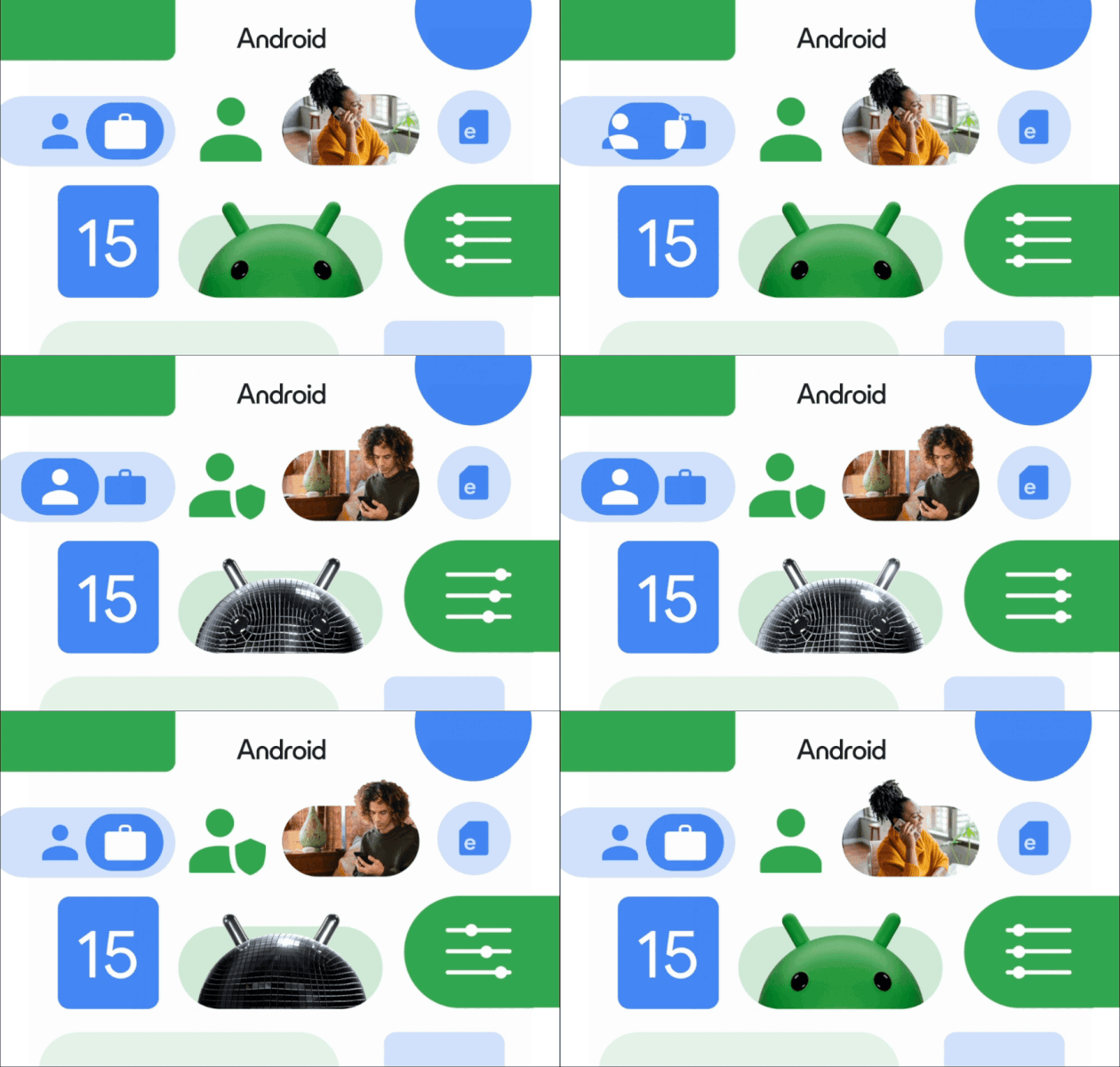
15th October, 2024 Flexibility and productivity go hand-in-hand in the era of modern work. But so can security risks. Designed for the modern workplace, Android 15 introduces new ways to protect company devices and shield sensitive data - for both employees and companies - wherever the working day leads. Here’s how Android 15 can strengthen digital defenses. Secure stolen devices with Android theft protection Too often the cost of theft extends beyond hardware. That’s why Android theft protection* focuses on locking down your device should it fall into the wrong hands, helping minimize the impact of stolen devices. Theft Detection Lock offers automatic protection the moment a device is stolen. It uses machine learning to detect any motion associated with theft, like snatching or driving away, and quickly locks the device to protect device data. Offline Device Lock is enabled once a device is stolen. If a stolen device is disconnected for a set period of time, the device screen automatically locks to prevent unauthorized access, even when off-grid. Remote Lock empowers employees to act quickly once their devices are gone. As an extra, immediate precaution when a device is lost or stolen, employees can lock the missing device at android.com/lock using just their phone number. *Theft Detection Lock, Offline Device Lock, and Remote Lock requires Android 10+ and an internet connection. Android Go devices are not supported. Support may vary based on your device model. The user must be using the phone while it is unlocked. All theft protection features will be available in October. Offer employees a private space within their personal profile Personally enabled devices balance convenience and usability, with enhanced controls to protect business data. Now, employees are able to create a private space* for personal profile data - a folder locked with a separate password or biometrics - to store apps containing sensitive information, like banking or healthcare. Employees can work with peace of mind, knowing that personal apps and activities are hidden and secure when working on the go or when sharing the screen with co-workers. *Private space on COPE devices are subject to the same security requirements as the personal profile. Admins will be able to block the user from having a Private Space and remove an existing Private Space in COPE. Review security logs easily with the latest NIAP logging requirements Android 15 is enhancing device security with new logging capabilities that meet the latest NIAP regulations. Administrative changes are logged and stored in the SecurityLog - and data backup events are migrated from Logcat to the SecurityLog for easier upload and streamlined management. Now IT teams can more easily identify and address potential security threats. Read Stronger management of company-owned devices with Android 15 next. Learn more about what’s new in our Help Center FAQ. Register for the community to access and download these images and an Android 15 slide deck. Enjoyed this introduction? Feel free to drop a kudos and join the discussion below - we’d love to know how these new features might impact your business strategy.5.2KViews4likes9Comments
Is there a way to force users to reset passcode without admin needing to give a temporary password.
Hi, We have a requirement to force few users to reset passcode. I have tried with https://developers.google.com/android/management/reference/rest/v1/enterprises.devices/issueCommand#CommandType and it works fine when we mention the new passcode. I am wondering if there is a way to force users to change passcode without us having to give and store temp passcodes for each user. I am aware that we can do this with password restrictions as part of policy https://developers.google.com/android/management/reference/rest/v1/PasswordRequirements, but is it possible with a one time issue command. Thank youSolved5.2KViews1like8Comments
Work profile on S25 Ultra
Just bought a Galaxy S25 Ultra a few weeks ago and unfortunately I'm not able to create a work profile with MS Intune. I've tried all workarounds that I found on Reddit and Samsung community (https://us.community.samsung.com/t5/Galaxy-S25/New-S25-Ultra-Unable-to-setup-work-profile-using-company-portal/td-p/3126410/page/29). I think that this can be related to some Android Enterprise support because I could not find any reference of the models when searching for it. Does anyone else are having issues when trying to create a work profile on S25 series?5KViews2likes10Comments
Work Profile Password Complexity affects Personal Space device password that unlocks the device : Intune
Hi, Personally owned devices with a work profile running on Android 12 and above devices today, we are over controlling their personal space by demanding complex password setup. there are two passwords affected by this Password complexity setting in Intune : The device password that unlocks the device The work profile password that allows users to access the work profile Even we choose medium complexity, user are getting a notification to change the device password to complex. this is not feasible for the BYOD scenario. Yes, i can understand security perspective avoid simple passcode, but policy shouldn't force for lengthy and complex passwords. how you configured this password complexity your environment ?.4.8KViews1like7CommentsManaging Google system updates with Android Enterprise
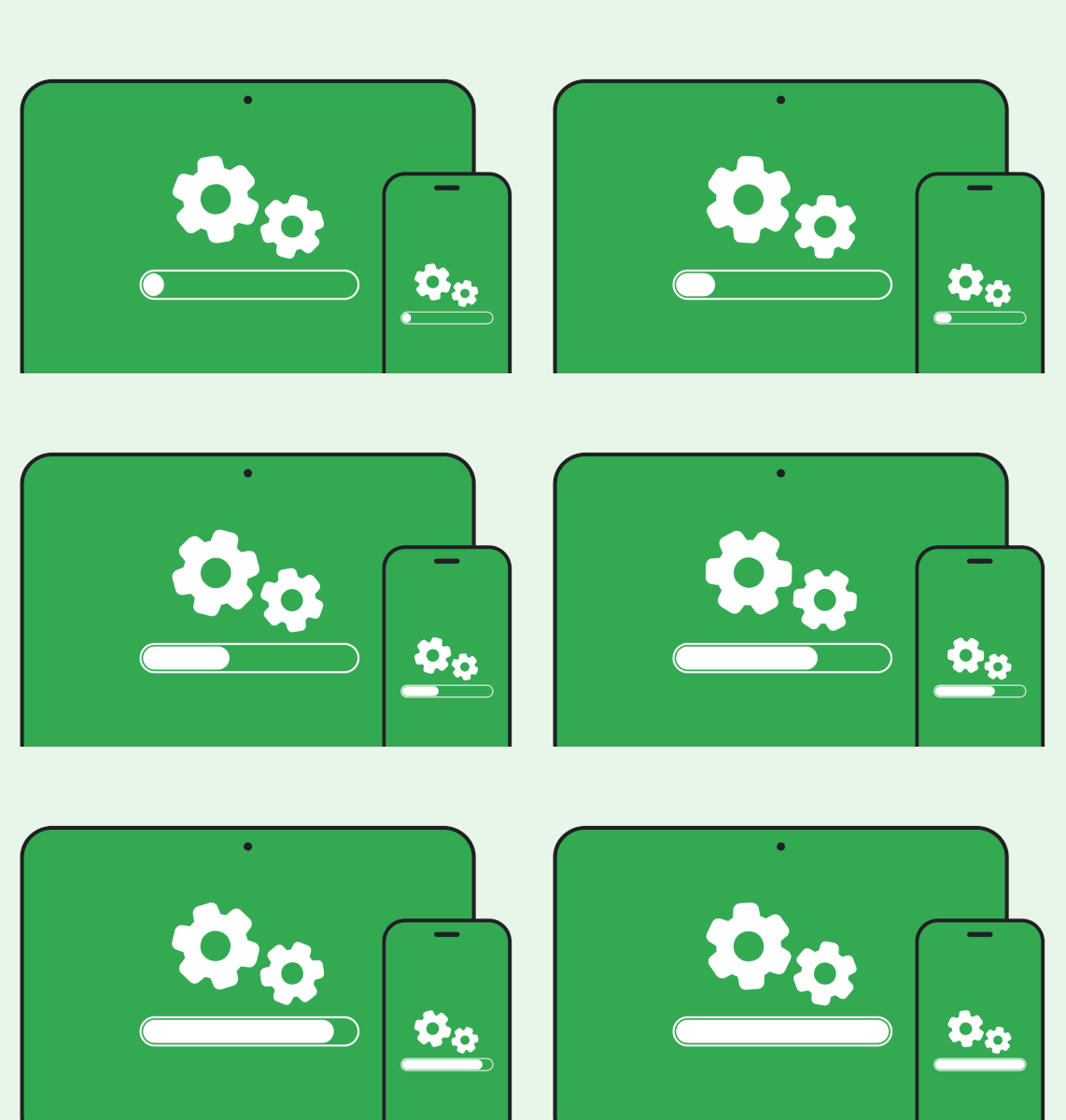
It's more important than ever to keep your fleet of devices secure and optimized for work. That’s where Google system updates come into play. Delivering updates from Google to the Android operating system, Google Play Store, and Google Play services, Google system updates make your Android devices more secure and reliable, whilst introducing new, useful features. But these need to be delivered in a timely way that works for your business and employees. So with that in mind, let’s cover the two main tools that can help you manage your Google system updates. System update policies Ideal for: Dedicated devices Pros: Keeps devices up-to-date, without relying on end-users to accept update prompts. Context: Between kiosk mode and digital signage, some devices are constantly running, and don’t necessarily have an assigned end-user to accept update and reboot prompts. In these cases, system update policies offer the perfect solution. They update the device either as soon as the update becomes available, or during a pre-set maintenance window to avoid active hours, so devices remain up-to-date and secure, without user input. There are also options to postpone updates, and freeze updates for a set period for particularly busy times of the year. Google Play system updates (also referred to as Mainline updates) are automatically downloaded as soon as they become available, but are not installed until the next device reboot - whether that’s prompted by user, admin or policy. Compliance policies Ideal for: Knowledge workers Pros: Gives users the flexibility to update on their own terms, whilst making sure devices don’t fall out of compliance. Context: For devices that are assigned to a user, pushing updates as soon as they become available may not always be practical. There’s nothing worse than joining an important client-call flustered and embarrassingly late, after an ill-timed system update. But, then again, companies want to make sure they’re making the most of the new features and security patches that come with each update. Compliance policies offer a balance between security and usability. They ensure that devices remain current against a pre-set standard, whilst giving workers the flexibility to apply updates at a time that suits their work schedule. The device will be tested according to certain signals, such as when the last update was made, or what version OS is being used, and prompt the user to update within a certain time-frame. Next steps These policies can be layered to make sure updates across your fleet are handled securely, in a way that works for your business. For more details on these tools, check out this Help Centre article. You can see what’s new to Google System update policies here. Make sure to also explore the documentation from your EMM provider for support on how these tools can be configured. Let’s get those system updates up-to-date! Have you got a system in place to manage updates? Does your business use one of these methods or a combination of the both? Let us know if and how you leverage these tools - we’d love to hear how they work for you!4.2KViews4likes3Comments