

[Guide] Community Space: structure and navigation
We’ve carefully designed our Community Space to be simple and intuitive to explore, but we know there may still be moments when you might be wondering where to find what you're looking for. This guide is here to point you in the right direction and help you make the most of all the resources available!
Accessing each dedicated Community
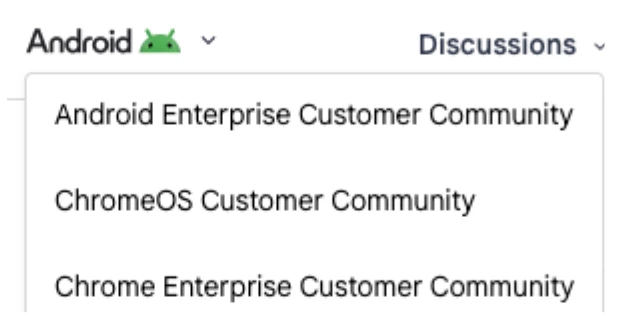
In the top left corner of the homepage, there is a drop-down menu that will allow you to toggle between either the ChromeOS + Cameyo Customer Community or the Android Enterprise Customer Community or the Chrome Enterprise Customer Community. When you join any of these communities, you’ll automatically have access to all 3.
Navigation bar
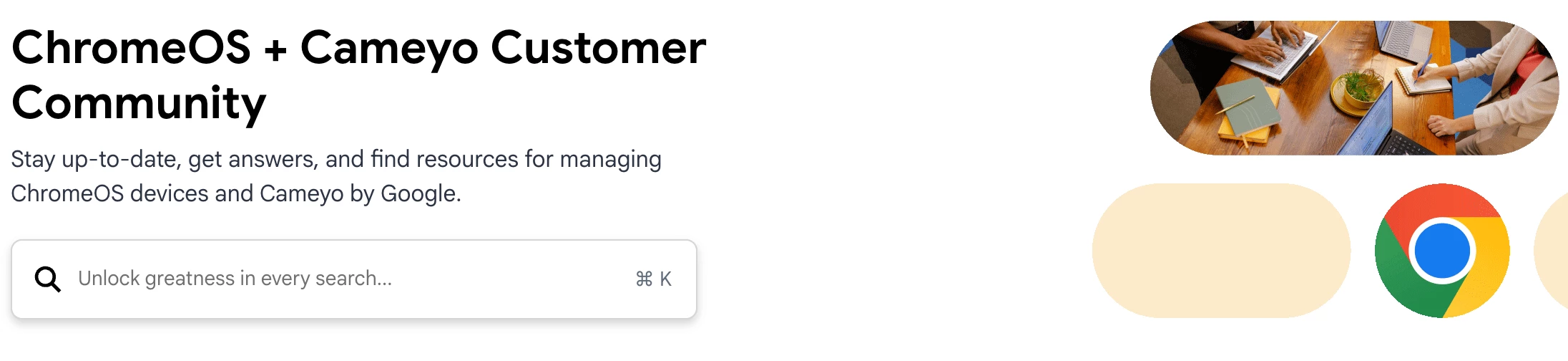
Within each dedicated Community (Android Enterprise, ChromeOS + Cameyo and Chrome Enterprise), you will find a navigation bar at the very top of each homepage.


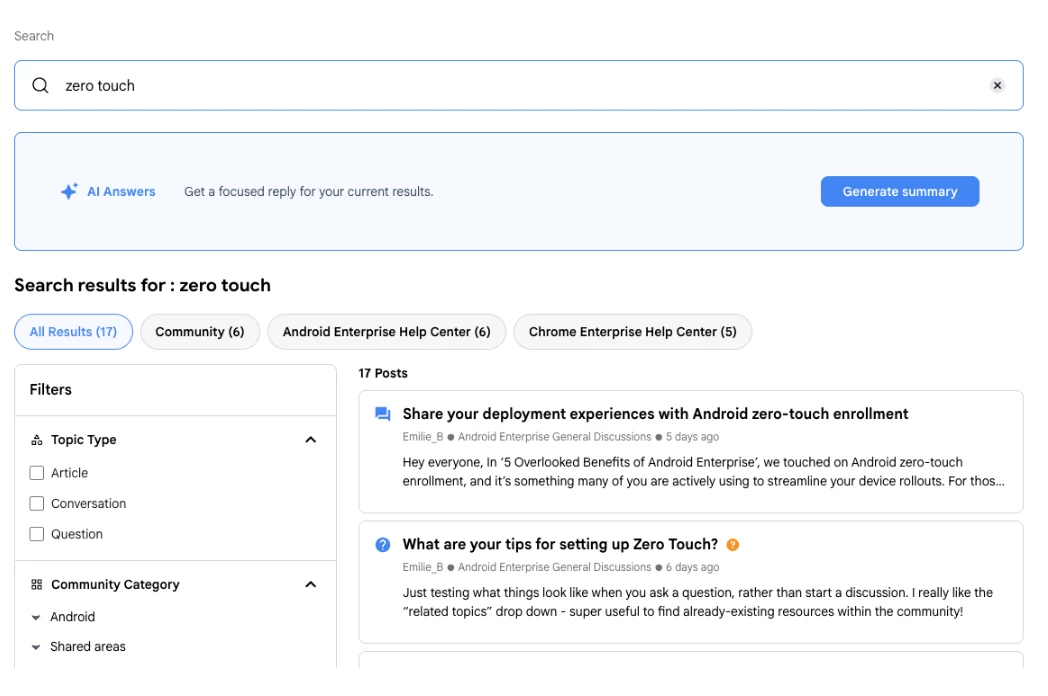
You can search any key words and all the resources we have available will be shared, whether it lives in our communities or in our help centers. You can filter the results via Topic Type, Community Category, Knowledge Base Category or even Tags.
You will also have the opportunity to request an AI summary of all the search results.
Common areas of the Community
This is the section of the community where you’ll find our latest news - from new releases and updates to useful papers on specific features
We regularly host and organise free events, which you can read more about and sign up for in this section. We will also share any wider Google events that could be of interest to you.
This is the place where we can talk about our personal interests, our hobbies, our findings, or even the latest film we’ve watched. A great section to browse on a coffee break!
This is your go-to spot for all things about the community platform itself! We'll share guides (like this one!) to help you make the most of the platform itself, plus news about our community, updates on our members, and celebrations of key milestones and achievements.
Dedicated areas for each dedicated Community
Within the Android Enterprise Customer Community, we've got a few key areas designed just for you. Here's a little more about each one:
General discussions
This is the area where you’ll find all the conversations and posts related specifically to Android Enterprise. This is where you post a question or ask for other member’s tips.
Resources
Your go-to place for all Android Enterprise resources! We have a dedicated “security” area where you’ll find our podcast ‘The Secure Element’ but also security papers. We’ll have toolkits, guides and best practices, strategy tips and conversation and success stories.
Insiders
Here, you can discover new projects, connect with fellow Insiders and the Android team, and share your progress in testing and adopting early products. This is a relaxed space for experimentation and exploration. For more info on how to join, feel free to reach out to the Community Team.
Within the ChromeOS + Cameyo Customer Community, we've got a few key areas designed just for you. Here's a little more about each one:
General Discussions
This is where you can ask questions, browse through answers, and even suggest solutions to fellow members about your ChromeOS and Cameyo deployments.
Resources
The Resources area is where you'll find all the latest updates straight from our ChromeOS and Cameyo product teams regarding releases and features in our Product Hub. It's also home to user guides to help you get started and beyond. We will also share best practices and success stories.
Within the Chrome Enterprise Customer Community, we've got a few key areas designed just for you. Here's a little more about each one:
General discussions
This is the area where you’ll find all the conversations and posts related specifically to Chrome Enterprise. Here, you can post a question, ask for other member’s tips or simply browse through other threads and conversations.
Resources
Best practices, user guides and getting started tips are all organised in this section. With some success stories added for good measure!
Still scratching your head after reading this? No worries at all!
Just reach out to the Community team (
