A place for questions, discussions and knowledge-sharing across all things ChromeOS. Hit 'Subscribe' to stay in the loop.
Recently active
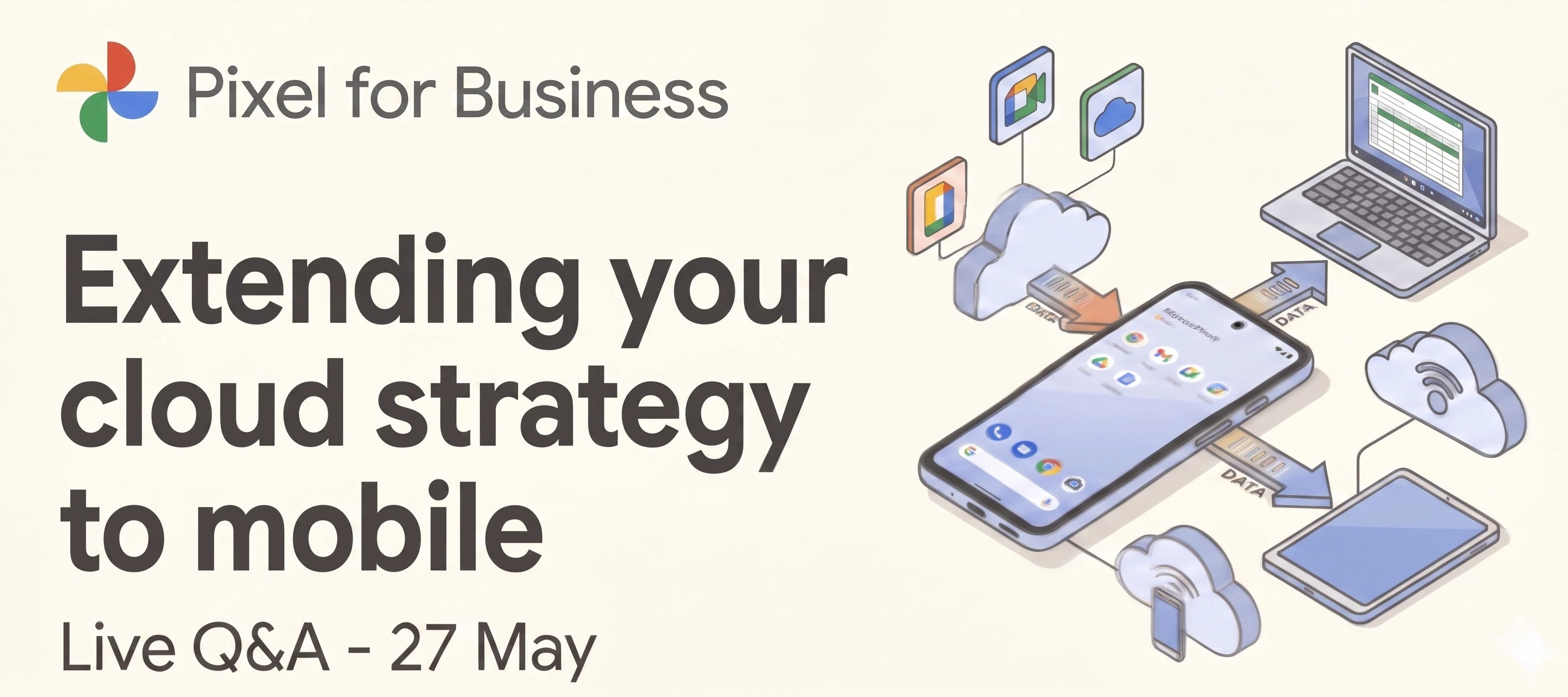
Hey everyone! With our Extending your cloud strategy to mobile session coming up this Wednesday, May 27th, we wanted to kick off the conversation a little early. You might have already nailed down your compute environment with ChromeOS and Cameyo, but extending that same zero-trust security and cloud-first simplicity to your mobile fleet can be a different beast. That's exactly what our Pixel for Business and Android Enterprise experts will be diving into. To make sure you get the exact answers you need, we're running this thread as an interactive Q&A alongside the webinar. Here is how it works:Ask as we go: Drop your questions here while the event is live and our team will jump in with answers on the spot. Keep it rolling: The thread stays open after we wrap up, so you can revisit the discussion or ask follow-ups anytime. Catch up later: If you can't make the live session, just leave your questions here now and read the team's responses whenever you're free.Haven't grabbed your
HiWondering if anyone can suggest a decent text file editor for ChromeOS. Was using TEXT, but looks like it's been withdrawn from the play store. Tried Notepad Next under Crostini but it keeps crashing on me. I just need to be able to create/edit txt and json files.Thanks
With regards to the LTS channel for ChromeOS and the most recent major update 144 - does it patch cve-2026-5281 (most recent zero day exploit)
Every year, Google Cloud Next brings together thousands of businesses to showcase the future of innovation. We know you’re busy running your business, so we’ve done the heavy lifting for you! We have hand-picked the most impactful sessions specifically for small and mid-sized teams and condensed them into a high-value, 70-minute online event on 12th May. Register here You’ll hear directly from real-world companies like OneUnited Bank and WATG on how they are leveraging AI to achieve massive results - without the need for enterprise-level budgets or massive IT departments. In this session, we’ll dive into:Maximizing your Cloud: How our products continue to evolve to keep your operations secure and flexible. AI for Everyone: Practical ways to use Google’s latest AI tools to do more with the team you already have. Customer Spotlights: See how pother organisations are solving modern challenges. Note while this session is tailored for SMBs, we also have vertical-specific tracks for Startup
Hi everyone, In a distributed workforce, any data sitting on a local hard drive is a liability you can't always see. While ChromeOS is built with industry-leading encryption, moving toward a "non-data-bearing" model takes your security posture to the next level by ensuring the local disk remains nothing more than a temporary, encrypted pass-through.By redirecting downloads, screenshots, and documents directly to the cloud, you can centralize control and apply consistent Data Loss Prevention (DLP) and retention rules across your entire fleet.Why go non-data-bearing?Centralized Control: Move local files under the umbrella of Google Drive or OneDrive management. Seamless UX: Users get a familiar "Downloads" experience, but with the peace of mind that their work is instantly backed up and accessible from any device. Reduced Risk: Minimize the impact of lost or stolen hardware by ensuring no sensitive data lives on the physical machine.We’ve just published a comprehensive resource in our Ge
All our other devices can connect fine but some chromebooks, just won't let you get on to the Wi-Fi unless you try login using the guest account. We use smoothwall at our school with unifi aps but I don't think this is the problem.
Hi All,I have asked Gemini already so have the recommended 3 options but,If hypothetically we had an Analyst transfer a leavers data to an incorrect internal person within our Workspace, is the only realistic option to transfer the data back to the correct person to use the investigation tool and then transfer the data in bulks of 300 at a time over to them?Gemini did say GAM can be used ‘or’ transfer all data using the tools within Admin but it looks like both of these options would move all of the data from the person it was transferred to not just the incorrectly transferred files?
Hi all,After the recent success of the Cameyo webinar series here in the community (not to mention all the super useful content that it yielded), we thought that we should ask you about which themes are you looking forward the most to be the focus of our next webinars in 2026. Our goal is for them to be aligned with your organization’s deployment goals so that we bring the right experts to the table.We’ve identified six key areas of focus based on recent trends we observed here on the community. Please pick the topic you would find most valuable for upcoming sessions below. If you’d like to see more than one of the themes below being discussed, or have any other suggestions for future topics, feel free to drop a comment with them and we will certainly take them into account for the subsequent events.
I have been upgrading older laptops to Chrome OS Flex for people who’s laptops software is now considered obsolete. I have been doing this for about 3 years now and I would like to get in touch with someone at Google to run a program at the community library or something like that to more/less get their blessing on it. Since they have a BYOD program where back market gets users to pay for a USB key, I am hoping they would like this idea.
We are experiencing an issue where the ImportSavedPasswords Chrome policy set to FALSE with POLICY_MODE_MANDATORY is not disabling the "Import passwords" option in the Chrome Password Manager UI.Steps to Reproduce:1.In Google Admin Console, navigate to Devices > Chrome > Settings > Users & browsers2.Select the Backend OU under Bigfix_MCM_OU > MCM > DEV3.Set Import Saved Passwords → Disable imports of saved passwords4.Set User override → Do not allow users to override this setting5.Save the policy6.On a Chrome browser signed in with an account belonging to the Backend OU, navigate to chrome://policy and click Reload policies7.Navigate to chrome://password-manager/settings Observed Behavior:1.The "Import passwords" row remains fully visible and functional under chrome://password-manager/settings2.The "Select file" button is clickable and opens a file picker dialog3.Passwords can still be imported via CSV despite the policy being set to FALSE with MANDATORY enforcement
Hi all,As teams continue to modernise their environments, app delivery often sits right at the centre of the conversation.For some organisations, traditional VDI is still the right fit — especially where full desktop access, strict isolation or legacy workflows are required. But for others, there’s a growing shift towards web-first and native app approaches, where most day-to-day work happens directly in the browser or via PWAs on ChromeOS.More recently, we’ve also seen increased interest in Virtual App Delivery, where specific legacy or Windows apps are delivered to users without streaming an entire desktop. Solutions like Cameyo by Google are designed to support that middle ground — keeping access to critical apps whilst reducing the overhead and complexity often associated with full VDI environments.None of these approaches are inherently “right” or “wrong”, and many teams end up using a mix depending on user needs, security requirements, and scale.Which approach (or combination of
Hi everyone, We all know how good a warm (or even next-day cold slice for breakfast, anyone?) pizza can be. And if you don’t… well, our sister community has very strong opinions on the subject 🍕But beyond creative recipes, pizza can also be a surprisingly good example of how technology supports fast-paced, real-world operations.A while back, Domino’s shared how they’ve been using ChromeOS across thousands of stores to support everything from ordering and kitchen workflows to store operations — relying on fast boot times, simple device management and consistent experiences at scale.Their setup has enabled lightweight, plug-and-play rollouts and real-time experiences across the business, helping reduce complexity for IT while supporting frontline staff.It’s a great example of ChromeOS being used well beyond the “traditional office” setup, so I wanted to open this up to the community: Have you deployed ChromeOS in operational or customer-facing scenarios like this? What kinds of workf
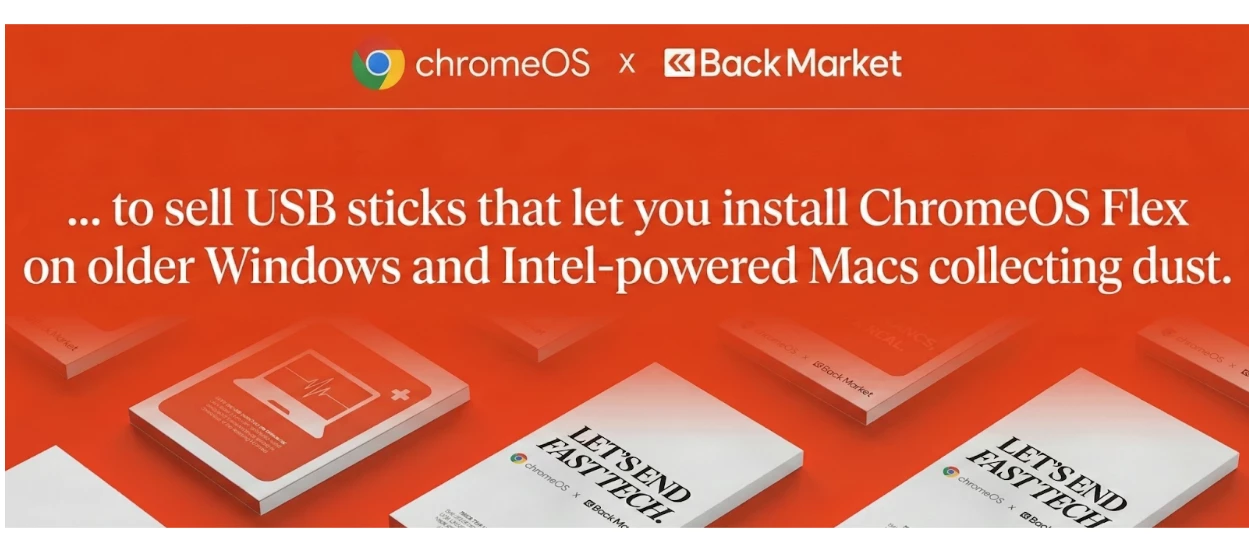
Hi everyone, A couple of days ago we shared the news about our collaboration with Back Market to help reduce global e-waste using ChromeOS Flex. That ties in with the broader conversation around device lifecycles in enterprise IT. We often see organizations having a strict 3-to-5-year hardware refresh cycle. However, with the rising importance of corporate sustainability goals - and the realization that perfectly good hardware is often discarded just because the legacy OS has become sluggish or unsupported (especially security-wise) - many teams are beginning to try a different approach to it. In that spirit, it’d be great to hear your perspectives on how your organization approaches this today and what are the biggest challenges or hesitations you face when trying to extend the life of your fleet? Every fleet has different compliance and performance needs so interested to hear your thoughts and experiences in the comments 💬
We have configured the chrome.users.AutomatedPasswordChangeSettings policy to enable automated password change and allow importing the AI model required for this feature. However, the "Change password automatically" button/option is not appearing in the Password Checkup flow. Only the standard "Change password" (manual redirect) button is visible.We have configured the chrome.users.AutomatedPasswordChangeSettings policy to enable automated password change and allow importing the AI model required for this feature. However, the "Change password automatically" button/option is not appearing in the Password Checkup flow. Only the standard "Change password" (manual redirect) button is visible. Observed Behavior:1.The compromised password entry is correctly flagged under "Compromised passwords"2.Only the "Change password" button is shown (manual redirect to the site)3.The "Change password automatically" option is completely absent from the UI4.No automated password change flow is triggered
Hi everyone, ChromeOS often sits alongside other Google products in organisations — whether that’s Google Workspace, Chrome Enterprise, Cloud services, as well as security tools — but how those pieces work together can look very different from one place to another. Some teams lean into a broader Google ecosystem and see benefits around simplicity, security and manageability, whilst others take a more mixed approach - combining ChromeOS with tools from different vendors, depending on their needs. It’d be really interesting to hear your perspectives on the following:Which Google products (if any) are you using alongside ChromeOS these days? Do you notice clear synergies between them in day-to-day IT management or user experience? Any perspective on where do things work well together — and where do you feel things could be improved? Looking forward to hearing your thoughts!
Hello,I’m reaching out because I’m trying to understand why my Google Chrome browsers are taking so long to update.I have deployed the ADMX/ADML templates and configured the required policies, but despite this, the update process works poorly.You will find attached some screenshots that may help ?Thanks PS : The update engine is always up to date, but the browser itself is not.
We currently have around 100 Chromebooks that we use for exams. I have now been asked to make it possible for participants to change the keyboard layout. Most use the German keyboard, but a few want to write with an English or French layout. What do I need to set in the management console so that participants can change the layout on their devices?
Hello Team,While testing the wallpaper management functionality using the Chrome Policy API, we observed that the wallpaper does not get applied on managed ChromeOS devices, even though the API calls return a successful response.When we upload the wallpaper image using the uploadPolicyFile endpoint, it successfully returns a valid downloadUri.and wallpaper gets applied on device. However, when we attempt to apply this uploaded image as a wallpaper using the Policy API, the request completes successfully (200 OK), but the wallpaper does not apply on the chromebook device.We’d appreciate your help confirming the following points:Are there any additional parameters, permissions, or policy fields required for either of the following?chrome.users.Wallpaperchrome.devices.managedguest.WallpaperAre there any known propagation delays, caching behaviors, or policy refresh constraints that could affect wallpaper deployment on managed devices?
Hey everyone, The wait is over - welcome to our brand-new community platform! 🚀 We are incredibly excited to open the doors to this new space, which has been designed to make your experience smoother, clearer, and more connected. A shared space for greater collaboration One of the most exciting changes is that you are now part of a unified space with the Android Enterprise, ChromeOS, Cameyo and Chrome Enterprise product communities. This means you can now: Discover shared discussions: Access cross-product insights and expertise all in one place. Personalize your view: Take advantage of the new dark mode option for a more comfortable browsing experience. Explore and share your thoughts We encourage you to take some time to explore the new boards and features. We’d love to hear what you think - let us know your initial impressions in the comments below! What’s next? This is just the beginning. We have more content coming your way soon to help you navigate this transition, highli
Hi everyone, I’m experiencing an issue on ChromeOS where, after signing in, the session occasionally resets or shows a blank screen before the desktop fully loads. In some cases, the device appears to authenticate successfully, but the expected environment and apps do not initialize correctly. This behavior is inconsistent and seems unrelated to network stability. Basic troubleshooting steps such as restarting the device, checking for system updates, and signing out/in again have already been attempted without resolving the issue. Has anyone encountered similar ChromeOS login or session-loading problems?Any insights on logs to review or settings that might affect session initialization would be greatly appreciated.
I work at a school where we need to enterprise enroll the devices. We have an issue that correlates to how we initiate the enterprise enrollment. If we use the shortcut keys "ctrl alt E" to initiate the enrollment, wi-fi connection is lost as soon as the user hits <enter> after the password for the account information. Yet if we choose the enrollment button at the bottom of the screen, there are no issues. In general, knowing what causes our issue would be good to have in our mental toolbox, but the issue also prevents us from using a script which acts similar to Go-Box or Centipede.
We are trying ChromeOS management via EMM where the existing domain account we have works fine i.e we are able to enrol and device sync is also happeneing on EMM side but when I am trying the same with another customer account though the account is showing as enrolled in the Google console, it's not syncing to EMM. There is no error also on backend. Looks like the api to fetch the device list response is empty. We have partner access setting enabled in the customer account still facing same. Is there any other settings on the console we need to check? Note: Customer account has the purchased the Trial Chrome upgrade.
Hey everyone, Following up on our recent announcement about our move to a brand-new platform, we want to share some important dates regarding the transition. To ensure all our existing content moves over safely, the wider community will enter read-only mode from February 21st through March 5th. What this means for you: General Discussion remains open: While most boards will be read-only, we are keeping the General Discussion board open throughout this window so you can still reach out to us if you need help or have questions. Migration details: Please note that any new messages posted or responses received in the General Discussion board during this transition window (Feb 21 – March 5) will not be officially migrated to the new platform. Go-Live: We will be fully live in our new home starting March 5th! We appreciate your patience while we perform this "digital move." We’re doing this to make sure the new space is ready to provide you with a much smoother and more connected e
Hey everyone, We’ve got some exciting news to share: our community is moving to a brand-new space designed to make your experience smoother, clearer, and more connected than ever. Here’s what you can look forward to: Easily readable threads - follow conversations effortlessly, jump back in without losing context, and spend less time scrolling. Common boards with Android Enterprise and the soon to launch Chrome Enterprise community - discover shared discussions, insights, and expertise all in one place. A dark mode option - easier on the eyes (especially for those late-day or early-morning check-ins). And more improvements to come, all focused on making collaboration and knowledge-sharing simpler. We will share more details soon as there will be some read-only time while we make the transition. As always, if you have any questions or concerns, please let us know in the replies. We can’t wait to welcome you into the new space! Chat soon, The Community Tea
Hi all, As more teams look at modernising their environments, one question comes up again and again: who in your organisation is actually doing most of their work in the browser already? Understanding that can make a big difference when it comes to planning ChromeOS pilots, right-sizing hardware, or deciding where a phased approach makes the most sense. One tool available for that is the ChromeOS Readiness Tool, which helps analyse device usage, browser and extension patterns and application dependencies to surface users who may already be strong candidates for a cloud-first setup. I’m curious to hear whether any of you have used the ChromeOS Readiness Tool (or another tool) to assess how “cloud-based” your users really are? It’d be also interesting to hear about your approach to users who are almost cloud-ready, but still rely on one or two legacy applications. If helpful, there’s a community post that dives deeper into how the ChromeOS Readiness Tool works and how teams are using it
Already have an account? Login
No account yet? Create an account
Enter your E-mail address. We'll send you an e-mail with instructions to reset your password.